


React remains the leading JavaScript library for building interactive user interfaces, powering everything from simple landing pages to large business dashboards with its component-based structure, hooks, and performance improvements. Since forms are one of the most common UI patterns in modern apps, a powerful React Form Builder helps teams avoid repeated code, manage validation smoothly, and build fast, user-friendly forms with ease.
A React Form Builder makes form creation easier by giving tools to create, check, and manage forms quickly. Some tools focus on code-first libraries with hooks for better speed, while others offer visual drag-and-drop builders that generate JSON schemas or React code. The best tools balance speed, flexibility, and easy maintenance, helping teams build forms faster without losing quality
Why Choose the Right React Form Builder?
Choosing the right React Form Builder directly affects development speed, app performance, and user experience. A poor choice can cause too many re-renders, large bundle sizes, or rigid schemas that break during updates.
Besides, the best solution reduces repeated code, supports modern validation like Zod or Yup, handles dynamic fields, and works smoothly with your stack, whether you’re using Next.js, Tailwind, or custom UI components.
Key benefits of selecting the best React Form Builder include:
- Faster building and updates
- Better speed with fewer re-renders
- Built-in validation and error handling
- Support for complex logic, like conditional fields or integrating an interactive multi step form builder to reduce user drop-off on lengthy onboarding screens.
- Easier to maintain with clear, rule-based, or schema-driven setups
Top React Form Builder tools serve different needs: fast and high-performance options for large applications, visual builders for non-developers or quick internal tools, and schema-based solutions for forms generated from APIs. As these forms typically generate JSON data, it’s often necessary to convert JSON to CSV for reporting, analytics, or working with tools like Microsoft Excel or Google Sheets.
Top React Form Builders
Here are the standout React Form Builder options, each with key features, pros, cons, and ideal scenarios.
React Hook Form: The Performance-Driven React Form Builder
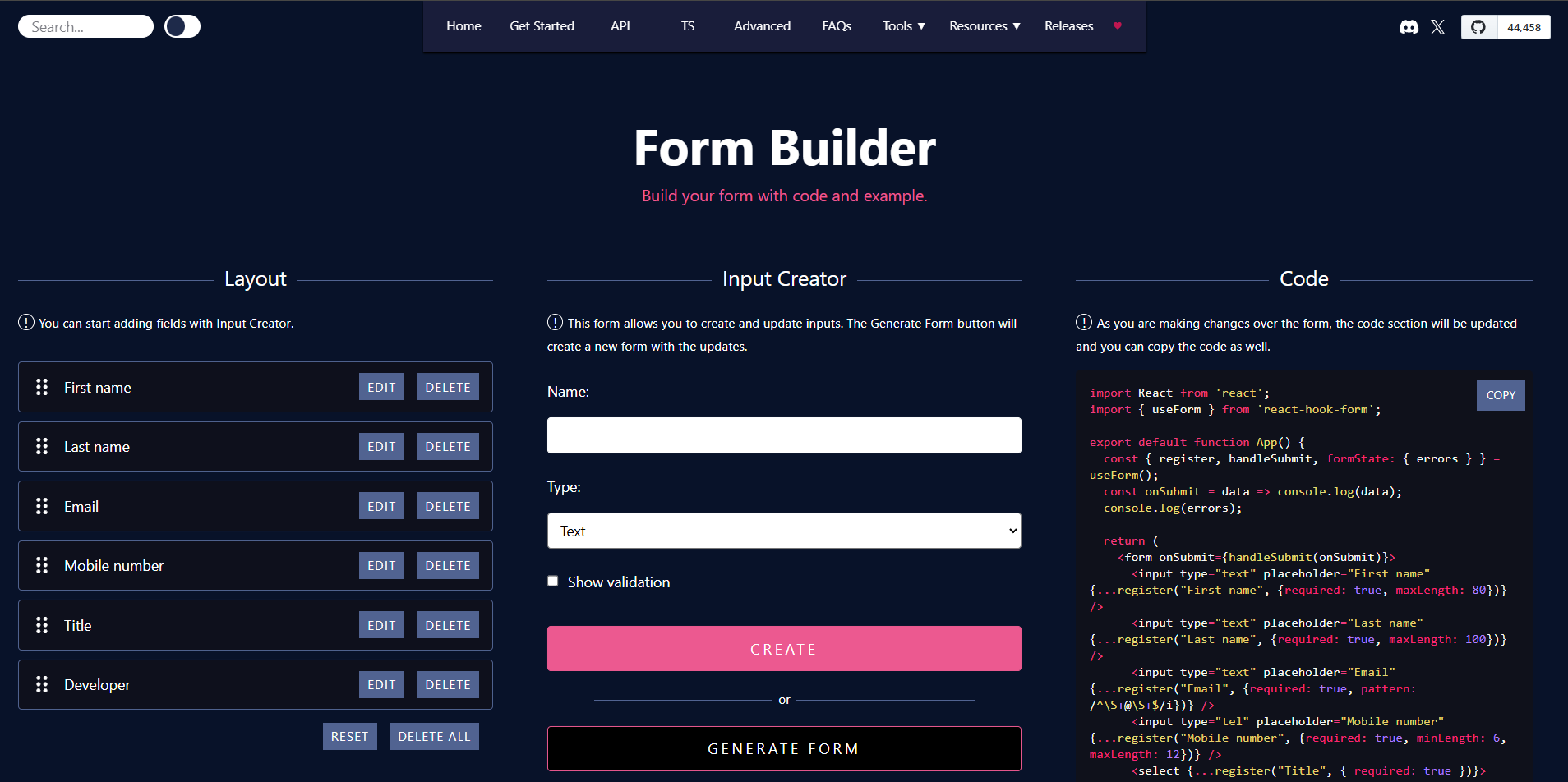
React Hook Form is a fast React Form Builder that reduces unnecessary re-renders and works smoothly with validation. Also, developers prefer it for its code-first approach and live previews, making it a trusted choice for building large and flexible forms.
Key Features:
- Drag-and-drop GUI with input creator UI for adding/editing fields.
- Real-time code generation and preview for React components.
- Schema-driven validation (required, maxLength, patterns).
- Support for dynamic field arrays and accessibility.
- End-to-end submission handling with analytics.
Pros:
- Reduces boilerplate with built-in validation.
- Bridges visual design and code control effectively.
- Enhances accessibility by default.
Cons:
- Focuses heavily on the React Hook Form ecosystem, limiting standalone use.
- Lacks advanced survey-specific logic out-of-the-box.
When to Use:
- Use this React Form Builder for rapid prototyping in React apps needing validation and dynamic fields.
- Choose it when you prioritize performance and want to copy-paste generated code directly.
Formik

Formik delivers as a declarative React Form Builder that manages state, validation, and errors intuitively. Additionally, teams actively adopt this solution for its minimal dependencies and support for advanced form patterns.
Key Features:
- Automatic handling of values, errors, and submissions.
- Built-in support for array fields, conditional logic, and multi-step wizards.
- i18n, accessibility, and security best practices.
- Tree-shakeable for optimized bundles.
- React Native compatibility.
Pros:
- Eliminates boilerplate for form state and events.
- Easy debugging with plain React integration.
- Handles complex patterns like auto-saving and dependent validation.
Cons:
- No visual drag-and-drop builder included.
- Relies on programmatic setup, which may slow non-coders.
When to Use:
- Select this React Form Builder for enterprise apps with multi-step forms or conditional logic.
- Use it when you need lightweight state management without external libraries.
Budibase
Budibase transforms form creation as an open-source React Form Builder within its low-code ecosystem. Moreover, users actively build and deploy forms with data integrations for internal tools.
Key Features:
- One-click form generation from databases or APIs.
- Pre-built components for mobile-friendly designs
- Automated flows like approvals
- Secure self-hosting with enterprise security.
- Easy to extend with JavaScript and a public API
Pros:
- Speeds up development with no-code elements.
- Supports cross-device forms and secure data storage.
- Open-source for full customization.
Cons:
- Limited deep React-specific customization without extensions.
- A broader platform focus may overwhelm pure form needs.
When to Use:
- Choose this for building internal dashboards, approval flows, or CRM tools.
- Use it in low-code setups when you need quick forms connected to your data
Check out the Materio NextJS Template.

This is one of the best Vercel Template to use for professional web apps.
Form.io: The Enterprise-Ready React Form Builder

Form.io powers API-driven forms as a robust React Form Builder with drag-and-drop and JSON schema support. Moreover, developers actively embed this React Form Builder in complex enterprise apps.
Key Features:
- Drag-and-drop builder with multi-page and CSS customization.
- Automatic API endpoint generation.
- Workflow automation and multi-tenancy.
- White-labeling and offline-capable rendering.
- React SDK for seamless component integration.
Pros:
- Scales for government/healthcare compliance.
- Reduces dev time with standardized forms.
- Supports hierarchical roles and integrations.
Cons:
- Self-hosting setup can be complex initially.
- Enterprise features may require paid tiers.
When to Use:
- Opt for this tool in mission-critical apps needing data governance and workflows.
- Use it for white-labeled SaaS or embedded forms.
Form Builder
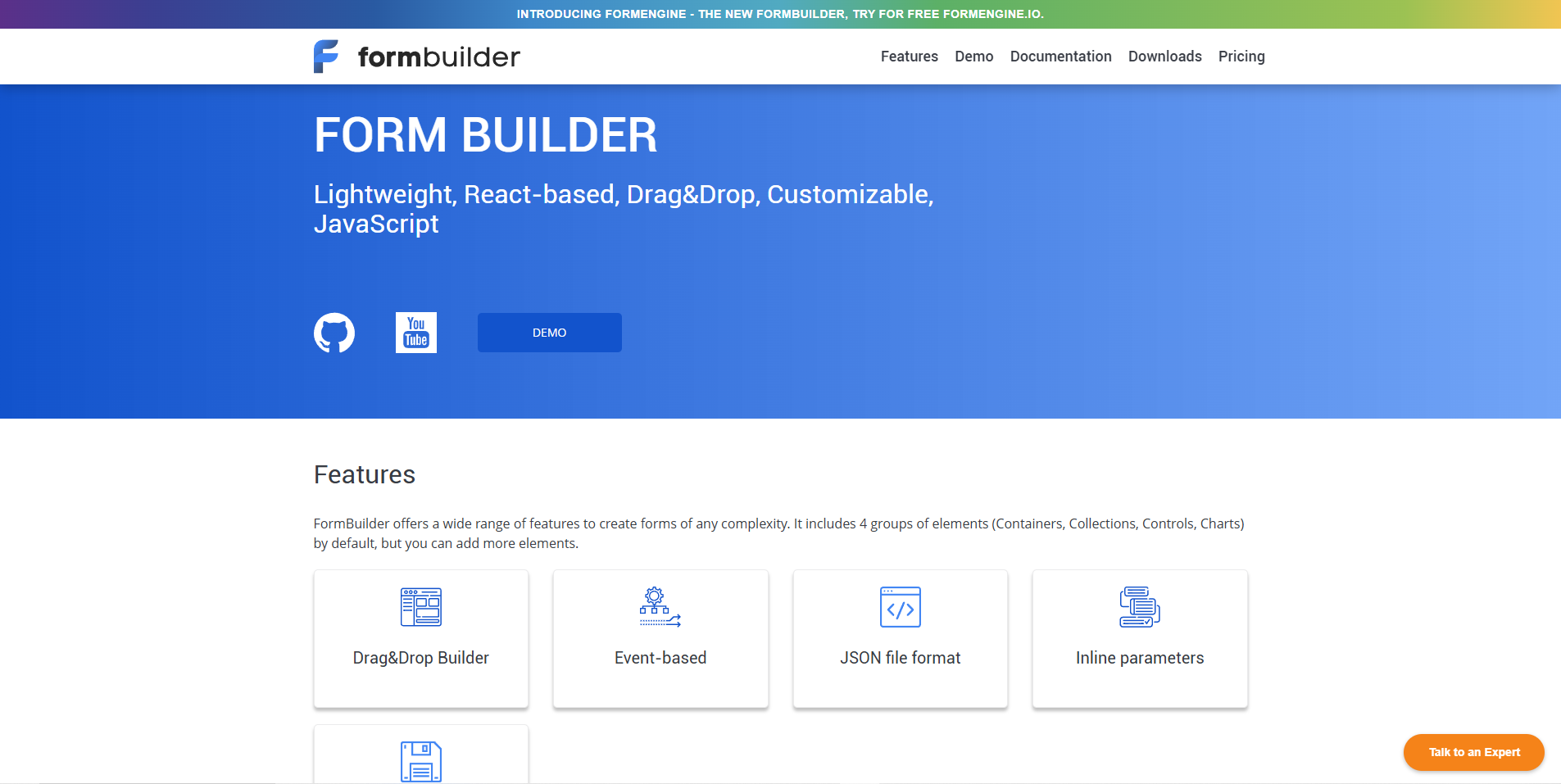
Form Builder offers visual editing as a straightforward React Form Builder for quick prototypes. Additionally, creators actively generate forms with custom fields and themes using this React Form Builder.
Key Features:
- Drag-and-drop interface for field addition.
- Customizable themes and responsive outputs.
- Basic form generation without heavy coding.
Pros:
- Simplifies prototyping for non-developers.
- Fast setup for basic forms.
Cons:
- Limited advanced features or integrations (based on available info).
- May require extensions for complex logic.
When to Use:
- Use this for rapid mockups or simple contact forms.
- Choose it in early-stage projects needing visual speed.
SurveyJS
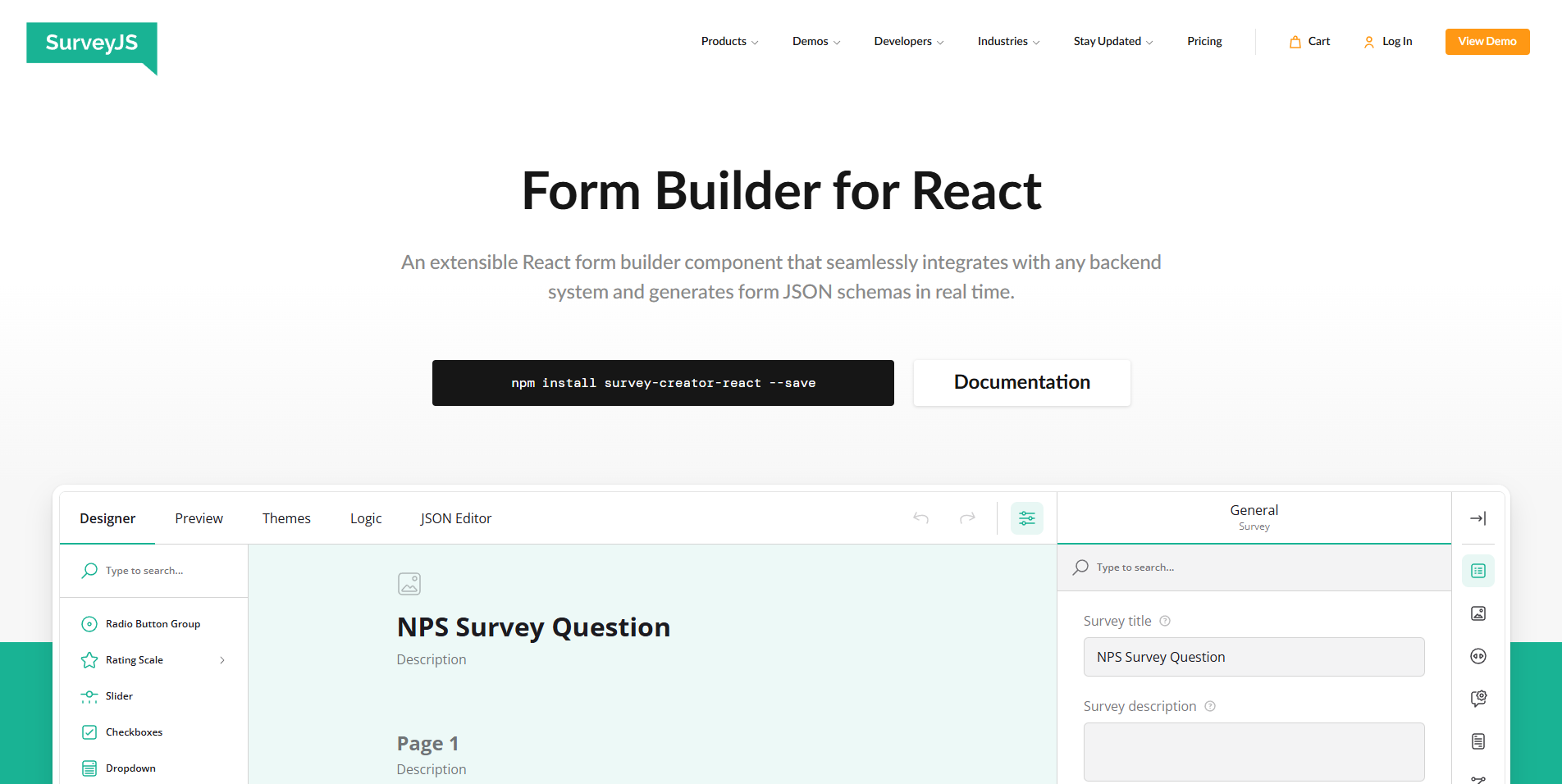
SurveyJS dominates as a JSON-driven React Form Builder with drag-and-drop for surveys. Furthermore, teams actively use this React Form Builder for branching logic and mobile-adaptive designs.
Key Features:
- Drag-and-drop editor with 20+ input types (e.g., e-signature, ranking).
- JSON schema export/import for reuse.
- Theme editor, localization in 30+ languages.
- Branching logic and input masking.
- Open-source with full data control.
Pros:
- No recoding needed for changes.
- Seamless backend integration.
- White-labeled and customizable.
Cons:
- Survey-focused, less ideal for non-survey forms.
- UI customization requires CSS knowledge.
When to Use:
- Select this for dynamic surveys or feedback forms.
- Use it when you need JSON portability and multi-language support.
Coltor Apps

Coltor Apps provides a headless React Form Builder with JSON schema focus. Additionally, developers actively customize this React Form Builder for multi-platform apps.
Key Features:
- Drag-and-drop with JSON schema generation.
- Headless design (bring your own components).
- Type-safe, zero dependencies.
- React/React Native support.
- Framework-agnostic core.
Pros:
- Highly customizable and unopinionated.
- Multi-platform with progressive enhancement.
- Lightweight for performance.
Cons:
- Requires custom UI implementation.
- Newer, so the community may be smaller.
When to Use:
- Choose this for custom builders in SaaS or full-stack apps.
- Use it when needing type safety across web/mobile.
BlackJK3: The Open-Source React Form Builder on GitHub
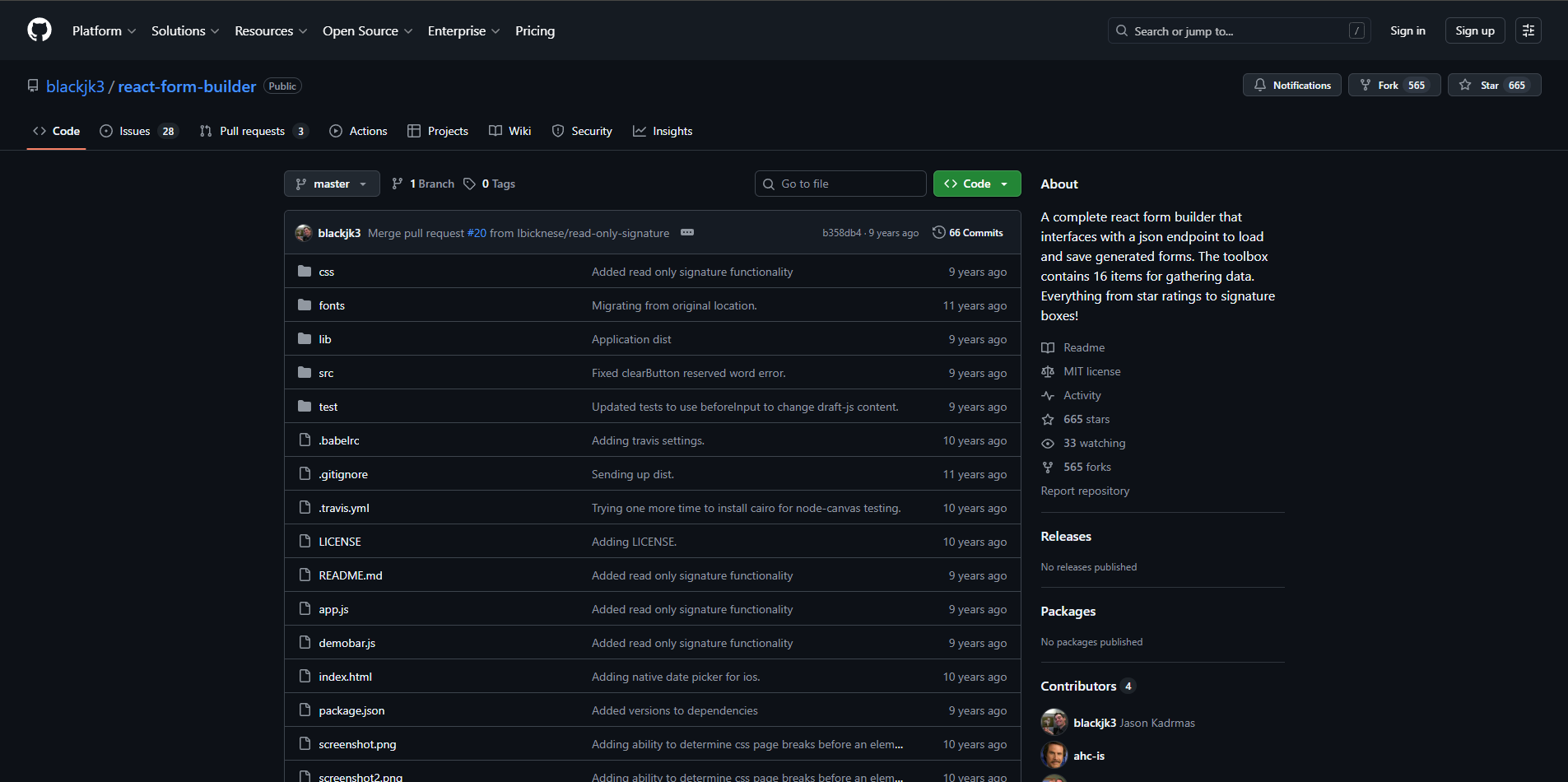
BlackJK3 delivers a modular React Form Builder via GitHub for editable forms. Moreover, contributors actively fork this React Form Builder for its toolbox variety.
Key Features:
- Toolbox with 16 items (ratings, signatures).
- JSON endpoint for load/save.
- ReactFormGenerator for rendering.
- Bootstrap/jQuery integration.
- Pre-filled and read-only modes.
Pros:
- MIT-licensed and community-forked.
- Flexible for diverse inputs.
- Easy backend integration.
Cons:
- No official releases or active maintenance.
- Dependency on Bootstrap/jQuery.
When to Use:
- Use this in open-source projects needing signatures or ratings.
- Choose it for legacy integrations or quick JSON-based forms.
react-jsonschema-form
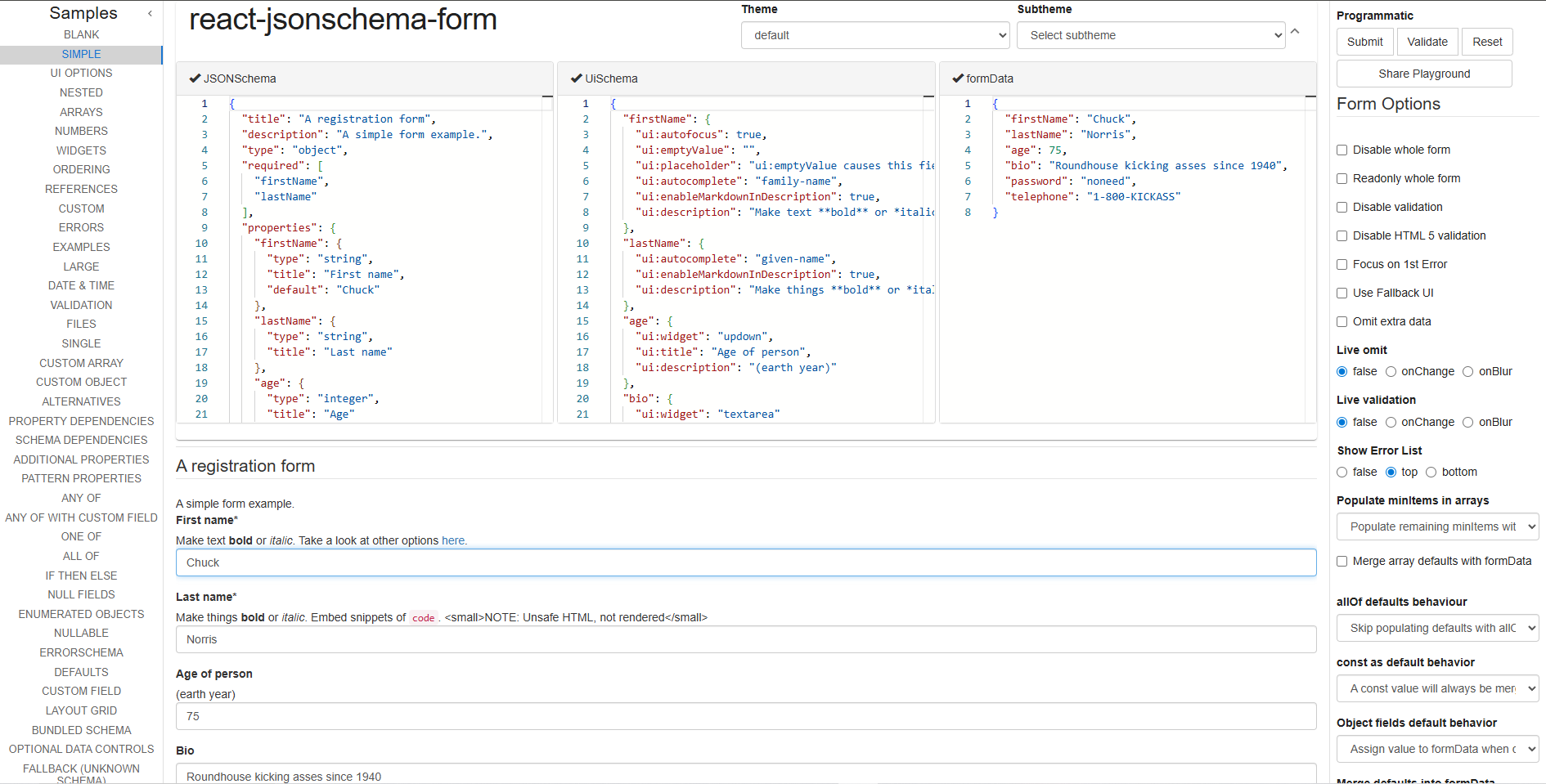
react-jsonschema-form automates as a React Form Builder, converting JSON schemas to UIs. Furthermore, developers actively apply this React Form Builder with custom widgets.
Key Features:
- Shows JSON Schema as UI with easy design changes.
- Validation via Ajv.
- Widgets for auto focus, text formatting, and more
- Fill forms automatically with existing data
- Playground for testing.
Pros:
- Dynamic generation from schemas.
- Easily customize fields and behavior
- Strong built-in validation.
Cons:
- No built-in drag-and-drop editor.
- Relies on schema knowledge.
When to Use:
- Opt for this with API-driven or dynamic forms.
- Use it for backend-generated UIs in React.
TanStack Form

TanStack Form stands out as a headless React Form Builder with fine-grained control. Besides, teams actively use this React Form Builder to build large, type-safe applications.
Key Features:
- Headless with TypeScript support.
- Async values, arrays, linked fields.
- Custom errors and submission handling.
- Easy to extend with plugins
- Works well with React Native and developer tools
Pros:
- Excellent type inference and performance.
- Modular and composable.
- Flexible for any UI library.
Cons:
- Alpha-stage maturity in some aspects.
- Headless requires more UI setup.
When to Use:
- Choose this for large-scale, type-safe forms with async data.
- Use it in Next.js/Remix apps needing deep nesting.
Formbricks
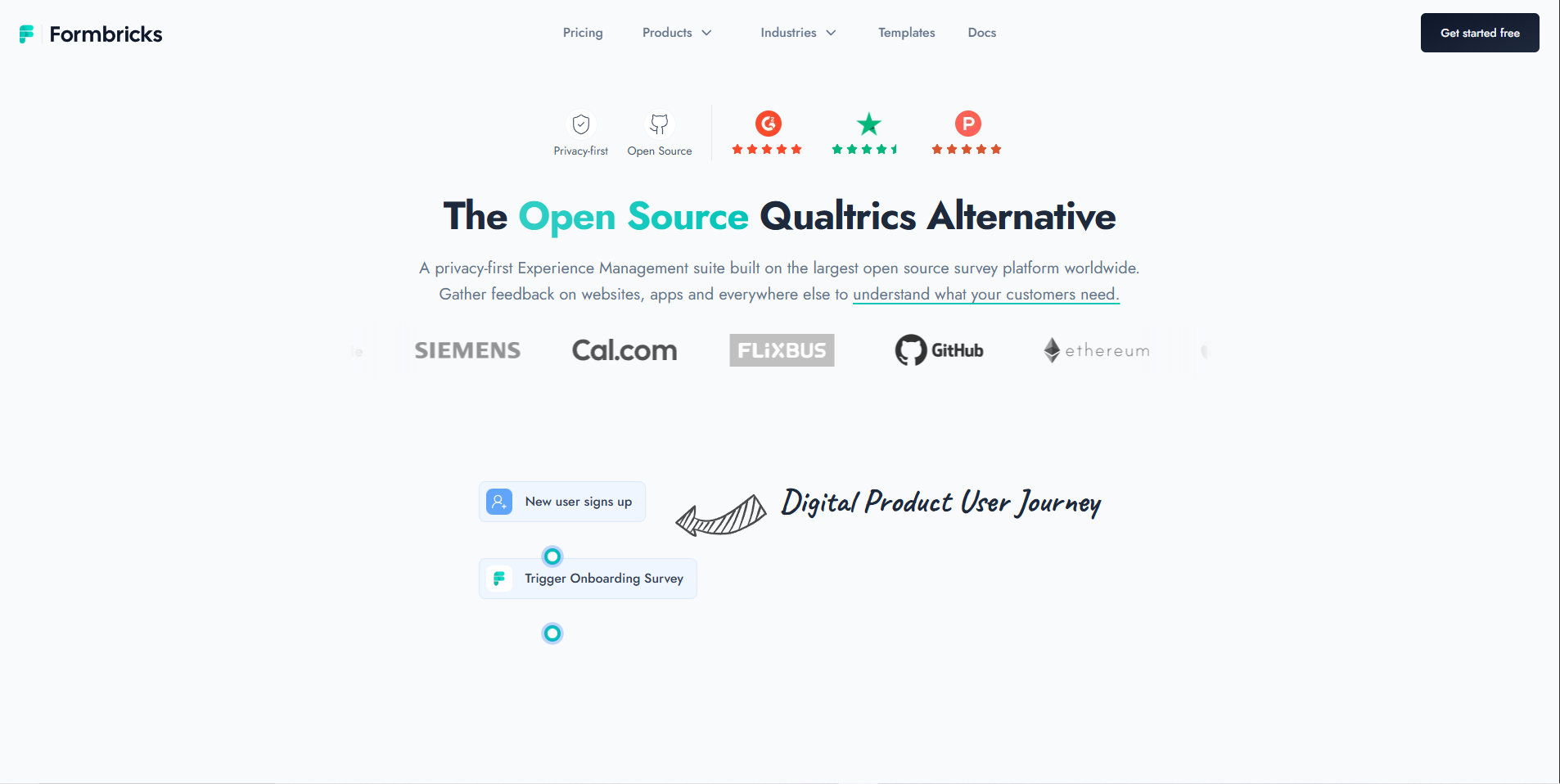
Formbricks excels as an open-source React Form Builder for in-app surveys. Product teams actively deploy this React Form Builder for targeted feedback.
Key Features:
- Script/NPM integration for React apps.
- Templates, triggers, and segmentation.
- NPS/CSAT/custom questions.
- Self-hosting for privacy.
- No-code action tracking.
Pros:
- Privacy-first with GDPR compliance.
- Easy in-app embedding.
- High response rates via timing.
Cons:
- Survey/feedback primary focus.
- Self-hosting needs setup.
When to Use:
- Choose this for user onboarding, reducing user drop-off, or collecting feedback
- Use it for product growth with full control over your own data
Conclusion:
React continues to lead, and using the right React Form Builder helps speed up development while giving users a smooth and fast experience.
Whether you choose React Hook Form for speed, SurveyJS for visual form building, or TanStack Form for strong type support, the best React Form Builder should match your project size, team skills, and goals.
Try a few tools, check how they affect bundle size, and test form validation to find the best fit. Choose the right React Form Builder today, and your forms will be faster to build, easier to manage, and more enjoyable for users.


