


Brand trust hinges on consistency. One stray color or wrong logo can undo months of work instantly.
New AI branding tools prevent that slip by stamping your fonts, colors, and voice onto every asset. Some live inside PowerPoint or Google Slides; others run in the browser, and a few even build an identity from scratch.
We tested dozens of platforms on brand enforcement, integration ease, design polish, governance, and price—then kept just seven.
Below you’ll see how each tool applies your kit and where it fits. Short, direct, and ready to use—start exploring.
How we selected these tools
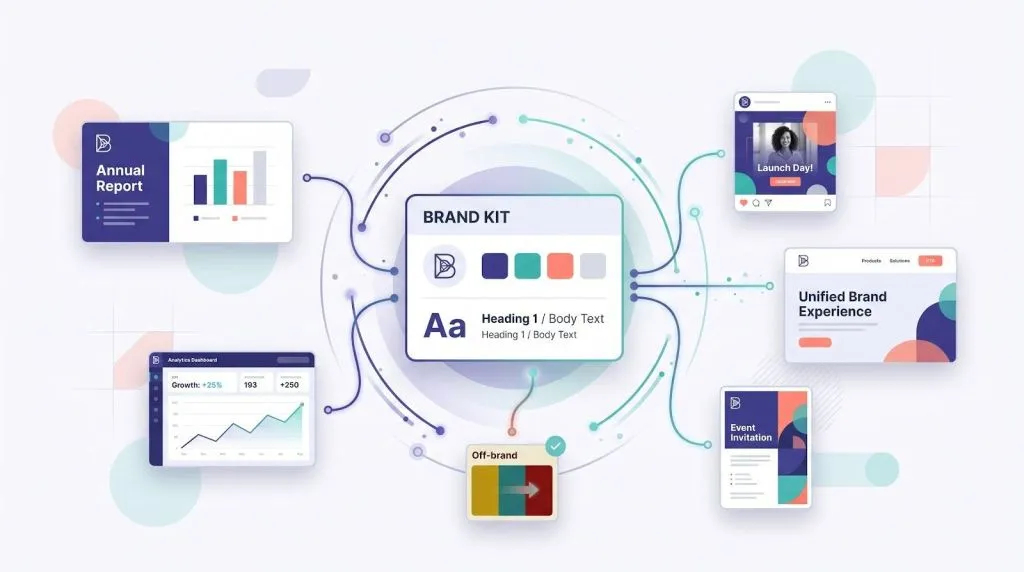
Not every platform with a “brand” badge made the cut. We began with a long list and stress tested each one until flaws emerged.
Our core question: does it let you publish faster without a single rogue font? We scored every product on five factors and dropped any that missed even one.
- Brand enforcement
If the software cannot lock your logo, colors, or typeface, we moved on. - Integration ease
Add-ins for PowerPoint or Google Slides earned higher marks than tools that demand a new workflow. - Out-of-the-box polish
Drafts had to look client-ready, never like clip art. - Governance and security
We looked for SOC 2, ISO 27001, or clear policies that keep assets out of public training data. - Real-world value
Transparent pricing and frequent updates mattered. Vaporware and sunset projects were cut.
We weighted the scores, kept seven standouts, and grouped them by the pain they solve. The list that follows is lean, credible, and ready for action.
Plus AI: brand-true slides without leaving PowerPoint or Google Slides
Picture the minutes before a quarterly review: numbers are set, story is clear, but the deck still needs building. Plus AI works directly inside PowerPoint and Google Slides (see www.plusai.com/), letting you stay in the deck you already opened with no exporting or “upload template” detour. The add-on reads your slide master, locks the palette, and writes fresh content onto existing layouts—an AnyLeads comparison of Plus AI vs. Tome business decks highlights this brand-safe approach. Fonts stay put, titles land in the right spot, and background images keep to the safe zone every time.

Plus AI sidebar inside PowerPoint or Google Slides preserving brand templates
Because Plus works inside Microsoft 365 and Google Workspace, IT teams approve it faster than another standalone platform. Your data never leaves familiar clouds; it rides the encryption Google and Microsoft already apply. That familiarity also trims the learning curve. If you can move a text box in Slides, you can refine a Plus draft.
Speed is the other draw. Feed the sidebar a prompt such as “Q3 product launch recap, executive tone, ten slides,” and a full narrative appears before coffee cools. Headlines, bullet hierarchy, and suggested visuals arrive ready for fine-tuning. Time usually lost to spacing and font fixes shifts to sharpening the story.
Pricing stays friendly: a free tier suits light use, while Pro offers unlimited generations for less than one designer hour each month. Enterprise plans add SOC 2 reports, single sign-on, and admin-level template control.
Reach for Plus when deadlines loom, branding is non-negotiable, and nobody wants another SaaS login. The tool turns your trusted template into an always-on design assistant, so you ship decks, not excuses.
Beautiful.ai: set the rules once, let the slides police themselves
If Plus AI feels like an invisible helper, Beautiful.ai behaves like a vigilant creative director. Load your logo, fonts, and colors into a Team Theme, click save, and every new slide follows those settings without question.
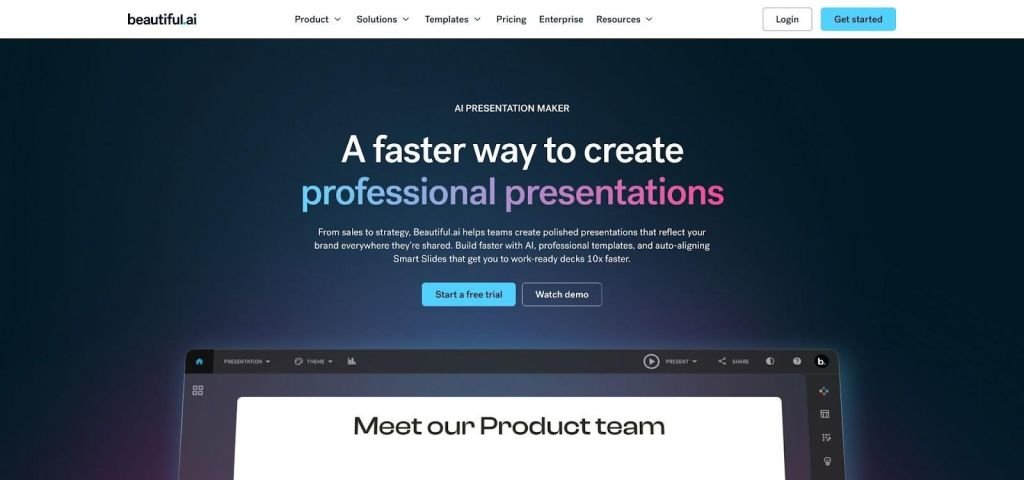
Beautiful.ai Team Theme and Smart Slide enforcing brand rules
Its Smart Slide templates do the heavy lifting. Drop in a chart, swap an icon, or paste a paragraph and the layout adjusts so spacing, hierarchy, and alignment stay crisp. You focus on story, not margin math.
Built-in guardrails earn applause from teams. Lock elements, restrict color overrides, and roll out updates globally. A last-minute font change flows through hundreds of decks with one click, sparing designers from tedious template work.
Security holds up as well. Beautiful.ai offers SOC 2 compliance, single sign-on, and region-based hosting, keeping risk teams comfortable while marketing moves quickly.
Pricing starts around twelve dollars per user each month and climbs for advanced controls and analytics. Costly compared with a free add-in, but still cheaper than a full-time designer reviewing every deck.
Choose Beautiful.ai when consistency outranks creative freedom and you would rather hand colleagues a paint-by-numbers canvas than chase rogue slide styles on deadline day.
Pitch: real-time collaboration with brand styles built in
Pitch treats a deck like a shared Google Doc. Multiple cursors glide across slides while chat bubbles appear in the sidebar, so feedback happens quickly. Brand control runs quietly in the background. Set a team theme once (logo, fonts, primary and accent colors), and every new slide adopts it the moment you click New.
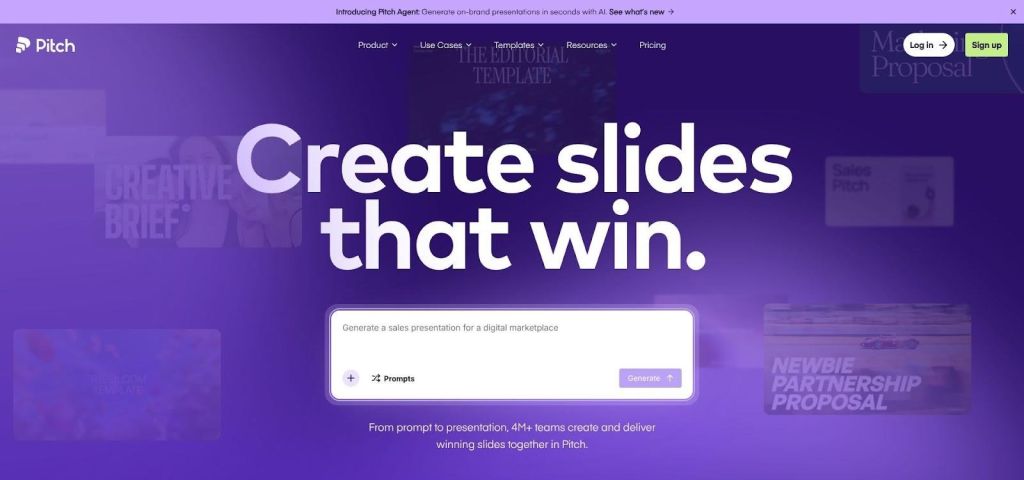
Pitch collaborative presentation editor with brand styles applied
The AI assistant removes blank-page dread. Paste key points or a Notion outline, and it drafts a narrative flow, suggests section breaks, and drops in image placeholders. You still pick the layouts, but the skeleton appears in seconds, letting you focus on nuance instead of structure. Since those drafts often arrive in a generic tone, some teams pass the slide copy through a humanize AI tool so it matches the brand voice before review.
Because Pitch lives online, teammates can join from anywhere without plugin hassles. Version history tracks every edit, so “final_final_v3” file names disappear. When the brand team tweaks a palette, the change updates across workspaces instantly. No more hunting outdated hex codes.
The free plan covers up to five members, generous for small squads. Paid tiers add advanced permissions and unlimited users for roughly the cost of a streaming subscription per seat. Pitch suits startups and agencies that need investor-ready decks on Monday and campaign recaps on Friday.
Choose Pitch when collaboration speed matters as much as staying on brand. It keeps creative energy high while the style guide stays quietly, firmly in place.
Visme: data-heavy reports that still look like marketing
Some brands survive on numbers. Quarterly dashboards, product-usage heat maps, and campaign KPIs can bore an audience if the visuals fail. Visme turns those data dumps into polished infographics, interactive charts, and multi-page reports, all shaded in your brand colours.
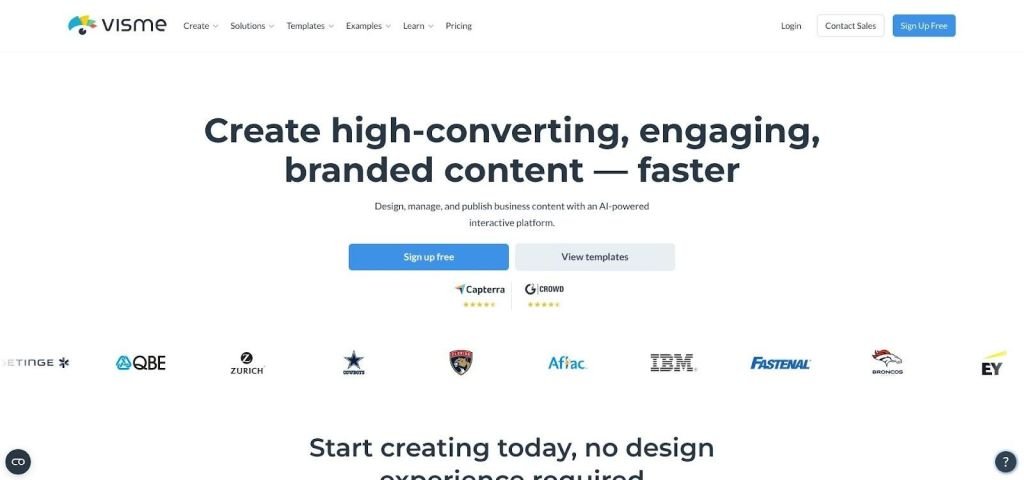
Visme data-heavy branded dashboard and report interface
Load a Brand Kit once and every bar, pie slice, and map adopts your palette and typography. Switch kits and the whole project re-skins itself, useful when agencies juggle multiple clients or enterprises manage sub-brands. Beyond branded reports and charts, marketers can create interactive experiences that help audiences engage with their content. With interactive content platform, teams can build customized calculators, quizzes, and assessments using their own logos, colors, fonts, and visual styles.
The editor feels familiar to anyone who has arranged PowerPoint shapes, yet it offers a deeper toolbox. Responsive graphs update as you paste new spreadsheet rows. Animated icons highlight key metrics without tipping into gimmick territory. If you need a headline, Visme’s AI writer suggests a punchy line so you can stop staring at the cursor. For ongoing content needs, SirWritesALot can help streamline the writing process and keep content production moving.
Collaboration happens in the cloud. Teammates comment on specific elements, and permissions prevent well-meaning edits from damaging layouts. When legal approves a chart, publish a live link or export a PDF in one click.
Free accounts show what is possible, but the real brand strength sits in Pro plans at about twenty-five dollars per user each month. If your storytelling leans on numbers and you refuse to ship another off-brand Excel screenshot, Visme is the visual translator your data needs.
Canva: the one-stop shop that scales from tweet to tradeshow booth
Canva lives on more desktops than any other design app in this list, and for good reason. It covers nearly every asset you need—stories, banners, decks, even short videos—under one roof. Load a Brand Kit once, and the same palette appears in presentations, Instagram posts, and printed flyers without a second thought. The same branding consistency should extend to QR codes used on marketing materials. Use a QR code generator with customization to add logos, brand colors, shapes, frames, and text, ensuring your QR codes complement your visual identity across business cards, product packaging, flyers, and promotional campaigns.
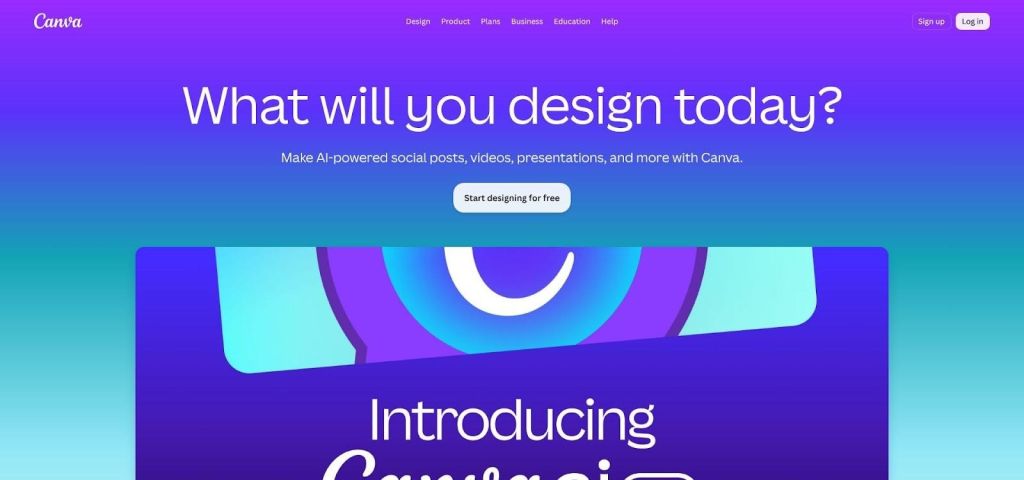
Canva Brand Kit applied across multiple asset formats
According to design publication Creative Bloq, the 2026 upgrade, Canva AI 2.0, makes the workflow conversational. Tell the assistant, “Create a spring promo across email, socials, and a three-slide recap,” and it drafts the campaign in minutes, already dressed in your colors and fonts.
Governance is lighter than the strict controls in Beautiful.ai or Desygner. Teammates can still drift off-brand if they ignore the kit, but proactive users stay compliant with a single “Apply Styles” click.
Value is where Canva shines. The free tier handles personal projects, while Pro adds multiple Brand Kits and background-remover magic for about thirteen dollars a month. Enterprise plans layer on ISO 27001 certification, single sign-on, and audit logs, helping security leads sleep well.
Choose Canva when volume matters. It produces every size and format you can imagine while keeping a firm, if not unbreakable, grip on your visual identity.
Desygner: lock-proof templates for franchise-size teams
When every store, agent, or field marketer can tweak collateral, brand drift feels inevitable. Desygner closes that gap. Admins create master templates—flyers, social tiles, brochures—then lock logos, colours, and fonts in place. Local teams fill in dates and offers, but the design DNA stays intact.
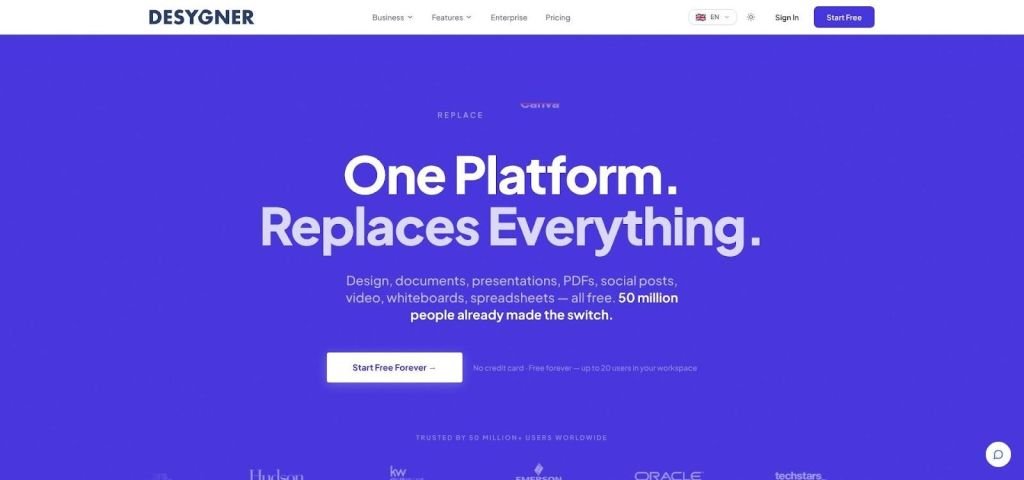
Desygner locked franchise template with editable local content fields
A 2026 review by Latterly praised the platform for teams that “prioritize brand guardrails” to stop rogue edits before they start. The takeaway: Desygner trades a measure of creative freedom for reliable consistency.
The interface feels like a lighter Canva, so non-designers learn it quickly. An AI Wizard resizes layouts for different channels and swaps imagery while respecting the locks you set. Multi-language fields help global brands run the same promo in Spanish, French, or Japanese without hiring a layout army.
Pricing stays simple. Business plans often include unlimited end users under one license, avoiding dozens of per-seat fees just so every franchise can access the same artwork. Enterprise tiers add SSO, DAM integrations, and advanced approval workflows for industries where compliance cannot slip.
Choose Desygner when the biggest risk is too many cooks in the design kitchen. It keeps every flyer, banner, and postcard on recipe, no matter how many hands touch the file.
Conclusion
Each of these seven AI-powered tools helps teams create on-brand assets faster, protecting the consistency that builds long-term trust.

