


The world of web development offers many CMS and frameworks, but two names that frequently come up are Laravel and WordPress. Both platforms have their loyal users and unique strengths, making it hard to choose between them.
Standard criteria for comparison include ease of use, scalability, flexibility, customization options, and community support. Each platform excels in different areas, and understanding these factors will help you make an informed decision for your project.
Understanding the differences between these two can be crucial for developers and businesses wanting to make the right decision.
In this blog post, we’ll compare Laravel vs WordPress, helping you determine which is the best fit for your next project.
Table of contents
Overview of Laravel

Laravel is a highly popular PHP framework known for its rich features that facilitate the rapid development of complex applications. It offers various packages that enhance functionality and streamline development tasks.
Additionally, Laravel benefits from strong community support, which provides developers with extensive resources and assistance. With PHP powering 78.9% of all websites, Laravel developers are in high demand.
Using Laravel helps developers quickly build strong web apps by using many helpful tools and resources to boost productivity.
What is Laravel?
Laravel is an open-source PHP framework created by Taylor Otwell in 2011. It was designed to simplify the development process by providing a set of tools and resources to build modern PHP applications. Laravel is known for its elegant syntax and robust features, making it a popular choice among developers.
Brief history and core principles
Laravel was initially released to address common tasks in web development, such as authentication, routing, sessions, and caching. Its core principles include simplicity, elegance, and readability, which have contributed to its widespread adoption.
Initial release and major milestones
Since its release in 2011, Laravel has undergone several updates and enhancements. These updates have solidified its position as a leading PHP framework. Let’s explore the key improvements and new features introduced over the years.
Core Features:
- MVC (Model-View-Controller) Architecture: This architecture divides the application into three parts: model (data), view (user interface), and controller (logic), to keep them separate. This separation makes it easier to manage and expand the application.
- Artisan Command-Line Tool: Provides a suite of helpful commands for application development.
- Eloquent ORM (Object-Relational Mapping): Simplifies database interactions with an intuitive syntax.
- Blade Templating Engine: Offers a simple yet powerful templating system for building dynamic web pages.
- Middleware and Routing: Middleware filters HTTP requests for authentication, logging, and input validation. The routing system directs requests to the suitable controller, enhancing organization, security, and performance.
Use Cases:
- Custom Web Applications: Ideal for building tailored solutions with specific business requirements for eg creating an eCommerce using laravel.
- Content Management Systems (CMS): Facilitates the creation of customizable and scalable CMS solutions.
- Complex Backend Systems: Suitable for developing intricate backend systems that must efficiently manage high traffic and large datasets. These systems must also protect against security threats like unauthorized access and data breaches.
Pros and Cons of Laravel
Pros:
- High Scalability and Flexibility: Easily adapts to growing business needs and complex requirements.
- Built-in Authentication and Authorization: Provides secure and efficient user management.
- Strong Community Support and Extensive Documentation: Offers a wealth of resources for developers.
- Artisan Command-Line Interface (CLI): Automates repetitive tasks like migrations and seeding, improving development efficiency.
- Elegant Syntax: Laravel’s expressive and clean syntax makes coding enjoyable and improves readability.
Cons:
- Steeper Learning Curve for Beginners: Requires familiarity with PHP and MVC architecture.
- Requires More Initial Setup Compared to WordPress: Involves more configuration and setup time.
Resources of Laravel (Tools and Packages)
Laravel provides comprehensive tools and packages that streamline application development. It enhances functionality, making it suitable for building web applications, APIs, and complex backend systems.
Here are some essential tools and packages available in Laravel.
Essential Tools
Laravel comes equipped with various tools that simplify and enhance the development process. These tools help developers manage common tasks so they can focus more on building high-quality applications.
Laravel Mix:
Laravel Mix simplifies compiling and minifying CSS and JavaScript files with a fluent API. This makes asset management accessible and efficient for developers unfamiliar with Webpack.
Artisan:
Artisan is the powerful command-line interface included with Laravel that provides a variety of helpful commands for building your application. It covers everything from database migrations to route management, significantly boosting development productivity.
Tinker:
Laravel Tinker is an interactive REPL (Read-Eval-Print Loop) that allows developers to interact with their Laravel applications through the command line. It provides a convenient way to run code, manage databases, and debug applications in real-time.
Tinker integrates with tools like Tinkerwell for enhanced functionality, including multi-line editing and auto-completion.
A wide range of tools are available in Laravel to further support and enhance your development experience. With these essential tools, Laravel empowers developers to streamline their workflow, enhance productivity, and easily create robust applications. Whether you’re building a simple web application or a complex API, Laravel’s tools provide the support you need to succeed.
Popular Packages
In addition to its core features, Laravel has a vast package that extends its functionality and simplifies development.
Breeze
Laravel Breeze is a lightweight starter kit that implements all of Laravel’s core authentication features, such as login, registration, and password reset. It uses Blade templates styled with Tailwind CSS and offers additional scaffolding options with Livewire or Inertia, supporting Vue or React.
Cashier (Stripe)
Laravel Cashier Stripe simplifies subscription billing by providing a fluent interface to Stripe’s services, handling tasks like subscription management, coupons, and cancellations. It also supports features such as subscription swapping, quantities, and generating invoice PDFs, reducing the need for manual billing codes.
Jetstream
Laravel Jetstream is a robust application starter kit that offers a polished foundation for new Laravel projects. It includes features such as login, registration, email verification, two-factor authentication, session management, and API support via Laravel Sanctum, along with optional team management functionality.
Passport
Laravel Passport provides a complete OAuth2 server implementation for Laravel applications, enabling secure and flexible API authentication. OAuth2 is an authorization framework that allows applications to obtain limited access to user resources without exposing their credentials. Passport, built on the League OAuth2 server, simplifies integrating OAuth2 features like token issuance and management, ensuring robust security and ease of use.
Socialite
OAuth is an open standard for authorization that allows applications to securely access resources on behalf of a user without exposing their credentials. Laravel Socialite utilizes OAuth to enable seamless authentication through various providers like Facebook, Google, and GitHub, simplifying the login process and enhancing user experience.
Laravel has an extensive package ecosystem, with many more packages available to suit various development needs. Some other popular packages include Horizon for queue management, Scout for full-text search, and Telescope for application debugging and monitoring.
JetShip – Laravel SaaS Boilerplate

The Jetship Laravel Starter Kit is a robust solution designed to streamline the development of SaaS applications, offering developers a comprehensive set of features and tools to jump-start their projects.
Besides, JetShip SaaS Boilerplate boosts the development process by providing a clean, modular, and scalable foundation for building SaaS platforms.
Additionally, it simplifies the most challenging aspects of SaaS development by offering pre-built components, blocks, and features.
Key Features:
- Based on FilamentPHP
- Ready for production
- Easy Laravel Forge Deployment
- In Built Blog Page
- Seamless Authentication
- Subscriptions & One-Time Purchases
- Appealing Admin Panel
- 2-Factor Auth
- Plugins
- Customizable & Scalable
- Mobile Friendly & much more
Built on the TALL stacks:
- Tailwind CSS
- Alpine.js
- Laravel
- Livewire
Why Choose JetShip?
JetShip laravel SaaS Starter Kit is ideal for developers who want to quickly prototype, launch, and scale their SaaS applications without building everything from scratch.
- Provides flexibility with multiple themes and customizable blocks, helping you create a unique look for your SaaS product.
- Offers access to ready-made components for user management, payment gateways, subscriptions, SEO optimization, and much more.
- It comes with lifetime access to the codebase and regular updates, ensuring your application stays up to date with the latest features and security standards.
Besides, it is a perfect choice for those looking to boost their SaaS app development with Laravel. Moreover, it is built using FlyonUI which is an Open Source Tailwind CSS Components Library, which offers the semantic class with powerful JS plugins.
Overview of WordPress
Starting as a simple blogging platform, WordPress has grown into a powerful Content Management System (CMS) that now drives over 40% of websites globally. Its status as a leading platform for web creation and content management is firmly established and widely recognized.

This user-friendly platform is ideal for beginners and small businesses that want to create an online presence without needing advanced technical skills.
What is WordPress?
WordPress is a widely used open-source content management system (CMS) that was launched in 2003. It is built on PHP and MySQL and is renowned for its user-friendliness and flexibility. With a vast collection of plugins and themes, users can easily customize and extend its functionality.
WordPress powers a significant portion of the web, making it a popular choice for various websites.
Core Features:
- User-Friendly Content Management System: Allows users to easily create, edit, and manage website content without needing extensive technical knowledge.
- Extensive Plugin and Theme Ecosystem: Offers thousands of plugins and themes to enhance functionality and customize the appearance of websites.
- Built-in SEO Capabilities: Provides tools and plugins to optimize websites for search engines, improving visibility and traffic.
- Large Community and Support Resources: Supported by a vast community of developers and users, offering a broad range of tutorials, forums, and documentation.
Use Cases:
- Small to Large-Sized Business Websites: Suitable for businesses seeking an online presence with minimal setup and maintenance.
- eCommerce: Enables businesses to create online stores with WordPress plugins, offering a range of eCommerce functionalities.
- Portfolio Websites: Ideal for creatives and professionals who want to showcase their work, skills, and achievements in a visually appealing format.
- Nonprofit and Charity Sites: These are useful for organizations looking to create awareness, collect donations, and manage events with minimal cost and effort.
- Educational Websites: Suitable for institutions and educators who need to build learning management systems, offer online courses, or provide educational resources.
- Membership Sites: Allows for creating subscription-based or member-only content, including forums, courses, and exclusive resources.
- Community and Social Networking Sites: This tool enables the creation of forums, social networks, and interactive communities with plugins and themes tailored for social engagement.
Pros and Cons of WordPress
Pros:
- Easy to Set Up and Use: Designed for users of all skill levels, with a straightforward installation process and intuitive interface.
- Wide Range of Themes and Plugins for Customization: Allows for extensive customization to meet specific design and functionality needs.
- Large Support Community and Resources: Provides access to various support options, including forums, tutorials, and professional services.
Cons:
- Limited Scalability for Complex Applications: May not be suitable for highly complex or large-scale applications without significant customization.
- Potential Security Vulnerabilities if Not Maintained Properly: Requires regular updates and maintenance to ensure security and performance.
Resources of WordPress
WordPress offers many resources, making it one of the most versatile platforms for building websites. From beginner bloggers to seasoned developers, users can access a wide range of tools designed to improve their site’s functionality and performance. These resources include themes, plugins, and tools that can help enhance your site’s design, add new features, and streamline your workflow.
Below are some valuable WordPress resources to consider:
Wide Range of Themes and Plugin:
WordPress is renowned for its vast collection of themes and plugins, which cater to a wide range of website needs.
This extensive library allows users to easily customize their sites, add new features, and enhance functionality, making WordPress a versatile and popular choice for both beginners and experienced developers.
WordPress Themes:
WordPress Themes offer extensive designs and functionalities to cater to various website needs. With thousands of themes available, you can find options tailored for blogs, business sites, eCommerce, portfolios, and more. Here are a few popular WordPress themes:
1. Astra:
Astra is a lightweight, customizable WordPress theme known for its speed and performance. It provides a variety of pre-built templates, making it ideal for different website types.
2. OceanWP:
OceanWP is a versatile and feature-rich theme that offers extensive customization options and responsive design. Its flexibility makes it suitable for building dynamic eCommerce sites tailored to your needs.
WordPress Plugin
WordPress’s plugin ecosystem is one of its greatest strengths. These plugins expand the functionality of your site, offering everything from SEO tools to eCommerce capabilities. We have listed some popular WordPress plugins here:
WooCommerce
WooCommerce is a powerful plugin that transforms your WordPress site into a complete eCommerce platform, offering essential shopping functionalities. It supports various payment gateways, shipping methods, and customizable product pages, making it a popular choice for online stores.
ShopLentor
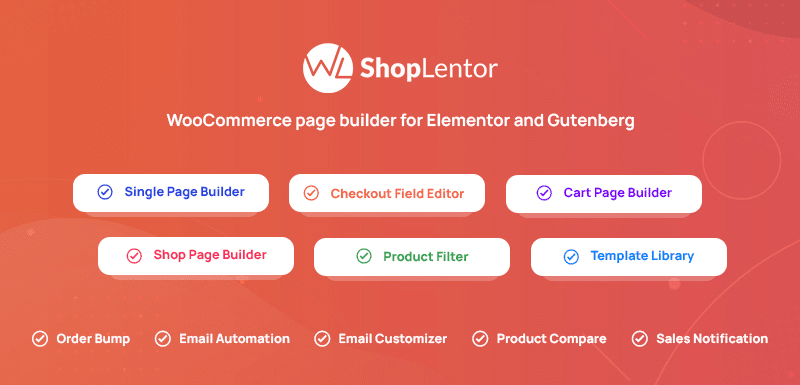
ShopLentor enhances WooCommerce stores by providing additional design and functionality tools, ensuring a polished shopping experience. Its drag-and-drop interface, pre-designed templates, and custom widgets integrate seamlessly with Elementor and Gutenberg editors, offering extensive customization options for product pages and beyond.
HT Easy GA4
HT Easy GA4 simplifies the implementation of Google Analytics 4 on your WordPress site, enabling comprehensive user tracking and insights. Enhanced event and interaction tracking, support for eCommerce tracking, and real-time data reporting provide essential analytics to optimize site performance.
HT Mega
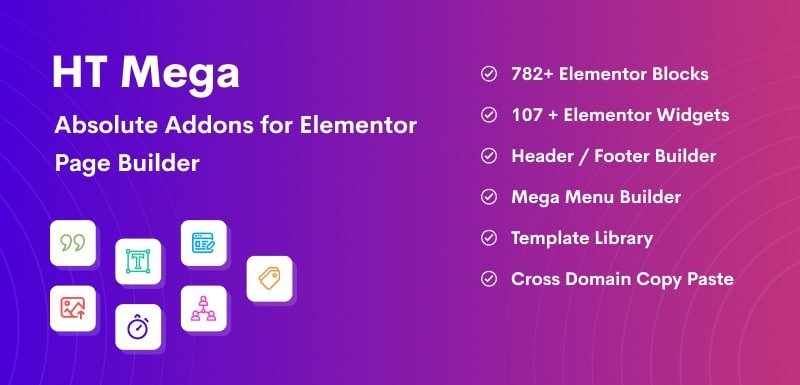
HT Mega enriches WordPress sites with a vast array of design elements, boosting both aesthetics and functionality. Offering over 80 Elementor widgets, pre-built templates, customizable mega menus, and advanced typography, it integrates smoothly with WooCommerce and other essential plugins, providing extensive styling options.
WP Whols
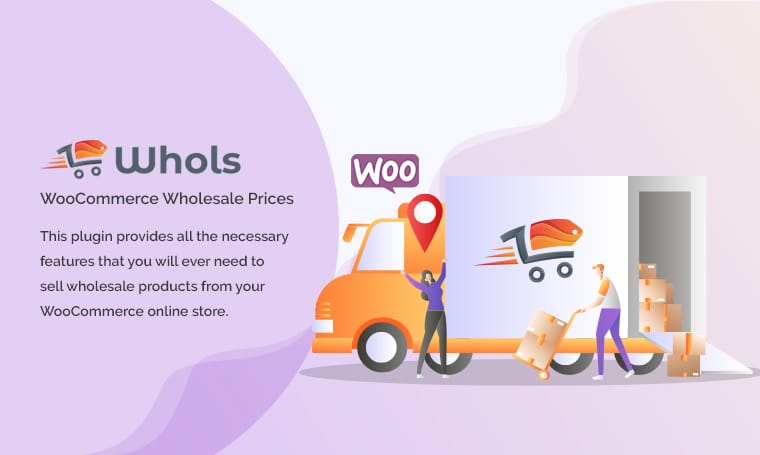
WP Whols enables you to create a wholesale store on WooCommerce that features specialized pricing and ordering options. It supports wholesale pricing for different user roles, minimum order quantities, bulk order forms, and customizable registration forms while ensuring compatibility with WooCommerce extensions.
Support Genix
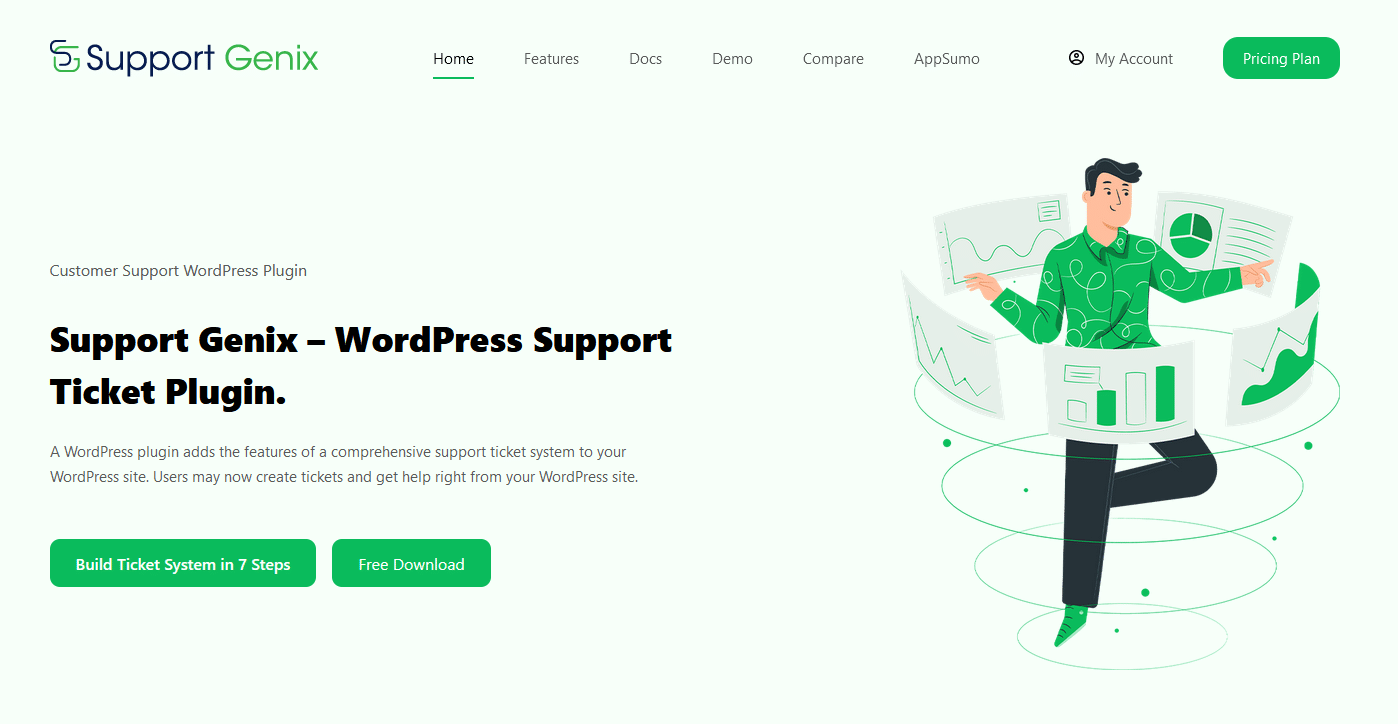
Support Genix streamlines customer support management with its built-in ticketing system, allowing efficient handling of service requests. It includes a user-friendly interface, email notifications for updates, customizable ticket submission forms, and reporting tools to monitor support performance.
These plugins offer a range of functionalities to enhance and customize your WordPress website.
Technical Comparison (Laravel vs WordPress)
Installation and Setup:
- Laravel: Requires Composer for dependency management, environment setup, and specific server requirements. It is more suited for developers familiar with PHP frameworks.
- WordPress: Offers a one-click install option on many WordPress website hosting platforms, with minimal hosting requirements, making it accessible for beginners.
Performance:
- Laravel: Optimized for complex and high-traffic applications. It provides robust performance for projects that require advanced functionality and handle large volumes of users or data.
- WordPress: Performance can vary significantly based on the themes and plugins used, requiring optimization for best results.
Customization and Flexibility:
- Laravel: Laravel provides full control over application structure and design, allowing for custom development capabilities.
- WordPress: WordPress offers customization through its extensive library of themes and plugins, though it may not offer the same level of granular control as Laravel.
Development Speed:
- Laravel: Typically requires more development time to build custom solutions from scratch.
- WordPress: Allows for faster setup, especially for standard websites, due to its pre-built themes and plugins.
Security:
- Laravel: This software comes with built-in security features and regular updates to protect applications.
- WordPress: Relies on plugins for additional security features, requiring regular updates to prevent vulnerabilities.
Choosing the Right Platform
When choosing the right platform for your website, it’s essential to consider your specific business needs and goals. Start by evaluating the platform’s scalability. Will it grow with your business?
Look at the customization options, available themes, and plugins to ensure flexibility in design and functionality. Additionally, consider the ease of use, support, and security features provided. Lastly, review the costs, including initial setup, ongoing maintenance, and potential add-ons or upgrades, to determine if the platform fits your budget.
Here you will get some ideas:
Project Requirements:
- Type of Project: Consider whether you are building a blog, eCommerce site, or a custom web application. WordPress, one of the world’s most popular Content Management Systems (CMS), is a versatile platform that can cater to a wide range of needs. It offers a user-friendly interface and a vast plugin ecosystem, enabling swift deployment. WordPress is ideal for managing content-heavy sites, business websites, and eCommerce stores.
Laravel is ideally suited for custom web applications that demand advanced functionalities and precise architectural control. It offers the flexibility needed for creating complex, bespoke solutions.
- Scalability and Customization: Evaluate the need for scalability and customization. Laravel offers more flexibility for complex, scalable applications, whereas WordPress provides ease of use with extensive themes and plugins.
Developer Skill Level:
- Laravel: Best for experienced developers who are comfortable with PHP frameworks and require full control over the application structure.
- WordPress: Suitable for beginners or for those with little to no coding experience due to its user-friendly interface and extensive community support.
Budget and Timeline:
- Laravel: Involves a higher initial investment and longer development time due to its custom nature.
- WordPress: Offers a lower initial cost and quicker setup, making it a budget-friendly option for standard websites.
Long-term Maintenance:
- Laravel: Requires regular maintenance and updates to ensure security and performance.
- WordPress: WordPress is easier to maintain with its plugins and themes, but updating them regularly is essential to keep your site secure.
Additional Resources
Links to Documentation:
- Laravel: Access the official Laravel documentation for comprehensive guidance.
- WordPress: Explore the WordPress Codex and official documentation for detailed information.
Community and Support:
- Laravel: Join the Laravel community on platforms like Laracasts, Laravel News, and the official Laravel forums. These resources offer extensive tutorials, forums, and a supportive community of developers to help you grow your skills.
- WordPress: Connect with the WordPress community through the official WordPress.org forums, WordPress Stack Exchange, and local WordPress Meetups. These platforms provide a wealth of knowledge, support, and networking opportunities for users at all levels.
Tutorials and Courses:
Recommended tutorials for learning Laravel
Laracasts: A highly recommended platform with a wide range of video tutorials for Laravel, covering everything from the basics to advanced topics.
Laravel From Scratch: A YouTube series by Traversy Media that offers a comprehensive introduction to Laravel for beginners.
Laravel Documentation: The official Laravel documentation is an excellent resource for learning and reference as you progress.
Recommended tutorials for learning WordPress
WordPress Codex: The official WordPress documentation is a great place to start. It offers tutorials and guides on various aspects of WordPress.
WPCrafter: A YouTube channel that provides easy-to-follow tutorials on building WordPress websites.
Udemy WordPress Courses: Udemy offers various WordPress courses, ranging from beginner to advanced levels. These courses combine lectures, hands-on tutorials, and practical advice to help users improve their WordPress skills based on their needs. Topics may include site setup, theme customization, plugin integration, SEO strategies, and more. By exploring the course materials and descriptions, you can find the perfect match for your learning objectives and boost your expertise in WordPress effectively.
Here’s a table summarizing the differences between Laravel and WordPress:
| Key Point | Laravel | WordPress |
| Best suited for | Custom web applications, high scalability, and complex solutions | Blogs, eCommerce, small to medium-sized websites, etc. |
| Developer Skill Level | Suitable for experienced developers with PHP framework knowledge | Suitable for beginners and non-developers |
| Budget and Timeline | Higher initial investment, longer development time | Lower initial cost, quicker setup |
| Long-term Maintenance | Requires regular maintenance and updates | While plugins and themes simplify website maintenance, remaining alert about potential security risks is essential. |
| Customization | Full control over application structure and design | Customization through themes and plugins |
| Performance | Optimized for complex and high-traffic applications | WordPress can efficiently handle smaller sites, but high-traffic sites may require optimization to maintain performance. Factors such as unoptimized themes, excessive plugins, and inadequate hosting can contribute to slowdowns during peak traffic. |
| Security | Built-in security features, regular updates | Dependent on plugins, requires regular updates to prevent vulnerabilities |
Frequently Asked Questions
The choice between Laravel and WordPress ultimately depends on your specific project requirements. Laravel is best suited for custom web applications that demand flexibility and scalability. At the same time, WordPress excels in delivering a user-friendly platform for various websites, including blogs, eCommerce stores, and business sites.
Absolutely! Developers can use both together for projects that need the best for each platform. Many developers combine Laravel for the front end with WordPress for the back end.
Yes, excessive plugins can slow down a website. Choosing quality plugins and optimizing them is essential.
Migrating a WordPress site to Laravel involves several steps. First, you’ll need to export your content from WordPress. Then, you’ll import that content into your Laravel-based application. This process often requires custom development to ensure a seamless integration between the two platforms.
Absolutely! WordPress’s themes and plugins allow for extensive customization without coding skills.
Conclusion
Laravel and WordPress serve different purposes. Laravel is a PHP framework ideal for building complex, custom web applications with great control and flexibility.
WordPress is a user-friendly CMS ideal for various websites, including blogs and eCommerce. Its extensive library of themes and plugins allows for easy customization with minimal coding required.
When choosing between Laravel vs WordPress, consider your project’s needs. For a customizable, complex application, Laravel is likely better.
WordPress is your top priority if you prioritize simplicity and a wide range of features. Both platforms have solid communities and resources to support you.
Choose the one that best aligns with your goals, skill level, and budget, and you’ll be well on your way to building something great.


