


Are you researching the key features one should have before building a performance dashboard? Don’t worry; you’ve hit the correct spot!
Imagine running your business without knowing what’s going on. Sales dropping? Customers unhappy? You’re in the dark. A performance dashboard fixes that.
This post is for developers building dashboards and business owners looking for the right one. We’ll go over eight features that make a performance dashboard great.
These will help you create or pick a tool that’s simple to use and delivers real value. Whether you’re coding or shopping, these features will save you time and make decisions easier. Let’s jump in!
Table of contents
What’s a Performance Dashboard?
A performance dashboard is a tool that gathers your data. It shows you what’s happening right now. Think of it as your business’s scoreboard. It tracks things like how much you’re selling or how happy your customers are.
A good dashboard does three things. It’s easy to read. It shows what you care about. And it helps you decide what to do next.
Benefits of Performance Dashboard
- Clear Insights
- Real-Time Updates
- Better Decisions
- Catch Issues Early
- Boosts Efficiency, and more…
The 8 Features Your Dashboard Needs
These eight features make a performance dashboard work like magic. They’re practical, user-friendly, and help you stay on top of your game. Let’s go through them one by one.
Custom KPIs

Every dashboard starts with key numbers, called KPIs. These are things like how much you’re selling, how many people visit your website, or how fast your team gets work done. For businesses looking to monitor these metrics over time, tools like SirTracksALot can provide additional tracking capabilities. The trick is picking numbers that matter to your goals.
You don’t want the same dashboard for everyone. A store manager might track daily sales, while someone in marketing watches ad clicks. For example, a pizza place’s dashboard could show how many orders come in each hour. Similarly, performance management software helps organizations track employee performance, monitor progress toward goals, and measure outcomes against key performance indicators (KPIs).
This should allow you to customize and choose the KPI Dashboard that are most relevant to your business goals. Whether you’re tracking total revenue, user engagement, or task completion rates, the ability to tailor the dashboard to your unique needs is key to making it useful. Adding real-time data and automated reporting can help teams identify trends, spot performance issues, and make informed decisions faster. Integrating OKR software with your KPI dashboard can also help align these metrics with organizational objectives and track progress toward key results
Live Data Updates
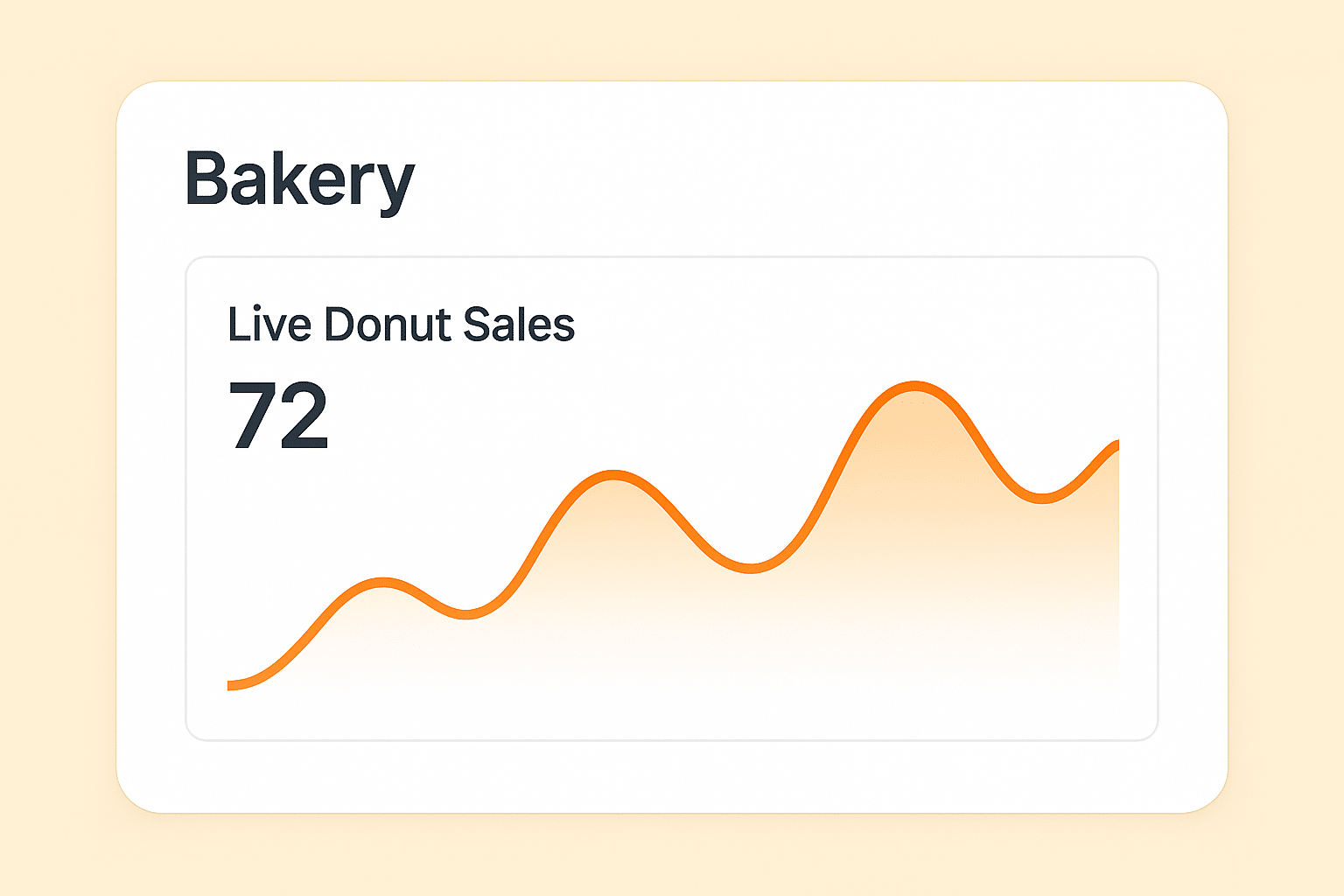
Data that’s out of date is useless. You need numbers that show what’s happening right now. A performance dashboard should always be live, updating as things change.
To do this, it needs to connect to your systems—like your sales software or inventory tracker. Teams using AI-powered tools can also integrate data with Gemini to pull insights directly into their live dashboard feeds.
For businesses with specialized workflows, a Vertical AI Solution can further help customize data analysis and automation to the needs of a specific industry or use case.
With live updates, your dashboard keeps pace with your business, making it an invaluable tool for fast, responsive decision-making.
For teams building sales and marketing dashboards, category-defining GTM software like GTM AI offers an agent-native interface to ZoomInfo that streams enriched company and contact data, buying signals, and campaign outcomes directly into your BI layer. Syncing it with your CRM keeps KPIs truly real-time and slashes manual data prep.
Clear Visual Displays

Numbers alone can be tough to follow. A web app dashboard needs visuals like charts or graphs to make data simple. Good visuals show what’s going on without a lot of effort.
Bar charts can show how different products are selling. Line graphs can track customer visits over time.
For instance, a SaaS business needs to look up its Monthly Revenue Rate, and a good chart can visualise it better. Clear visuals keep things straightforward, so everyone gets the point without a headache. That’s a key part of any performance dashboard.
We use an interactive JavaScript Data visualization library in our Vue Templates.
Interactive Tools
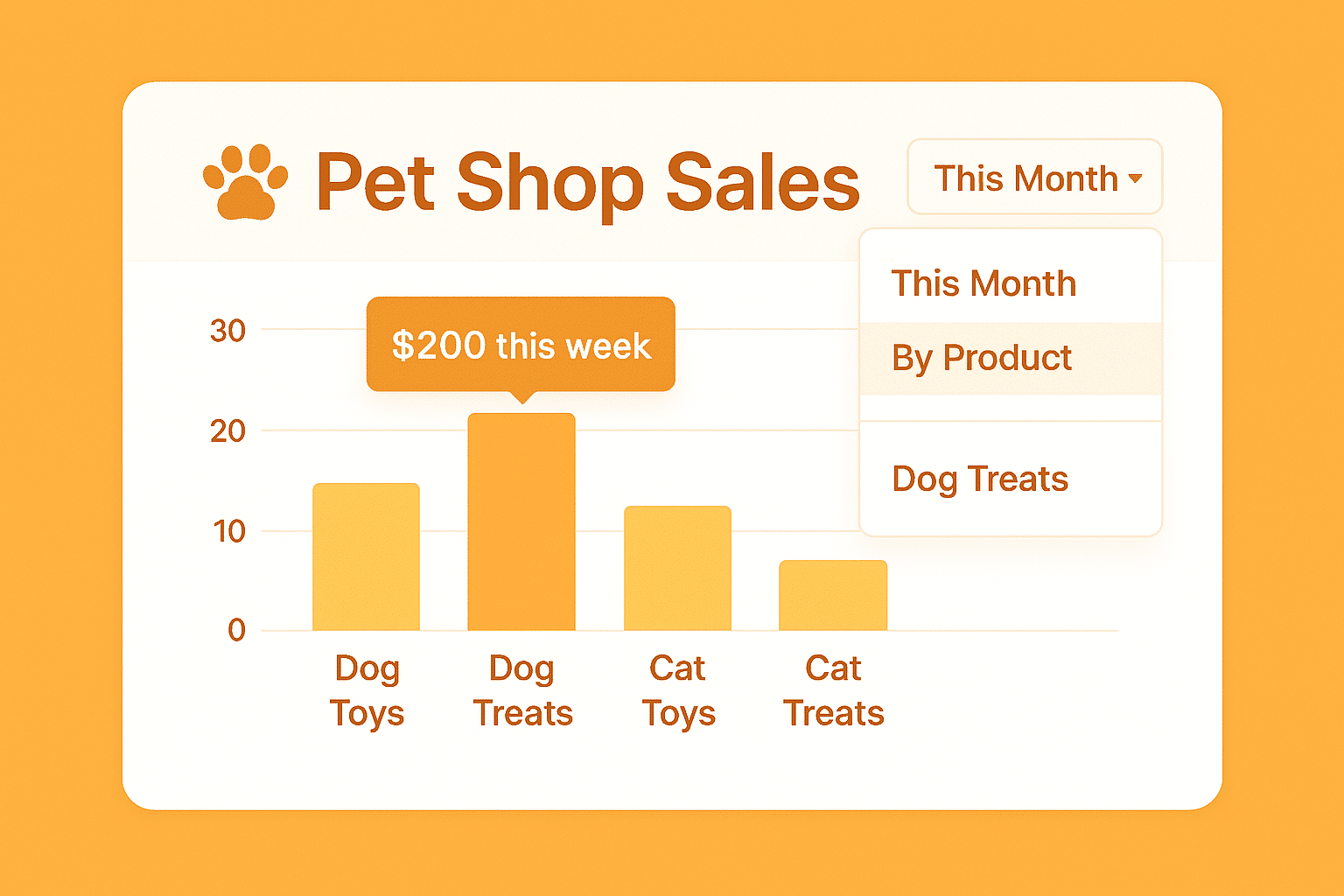
A dashboard shouldn’t just sit there. It should let you dig in. Click on something to see more details. That’s what makes a performance dashboard exciting.
Say you see low sales in one area. Click to check which products aren’t selling.
Or picture a school’s dashboard letting a principal click to check attendance by grade. Features like filters or clickable charts let you ask questions and find answers fast. It’s what turns a performance dashboard into a tool you love using.
Mobile Access
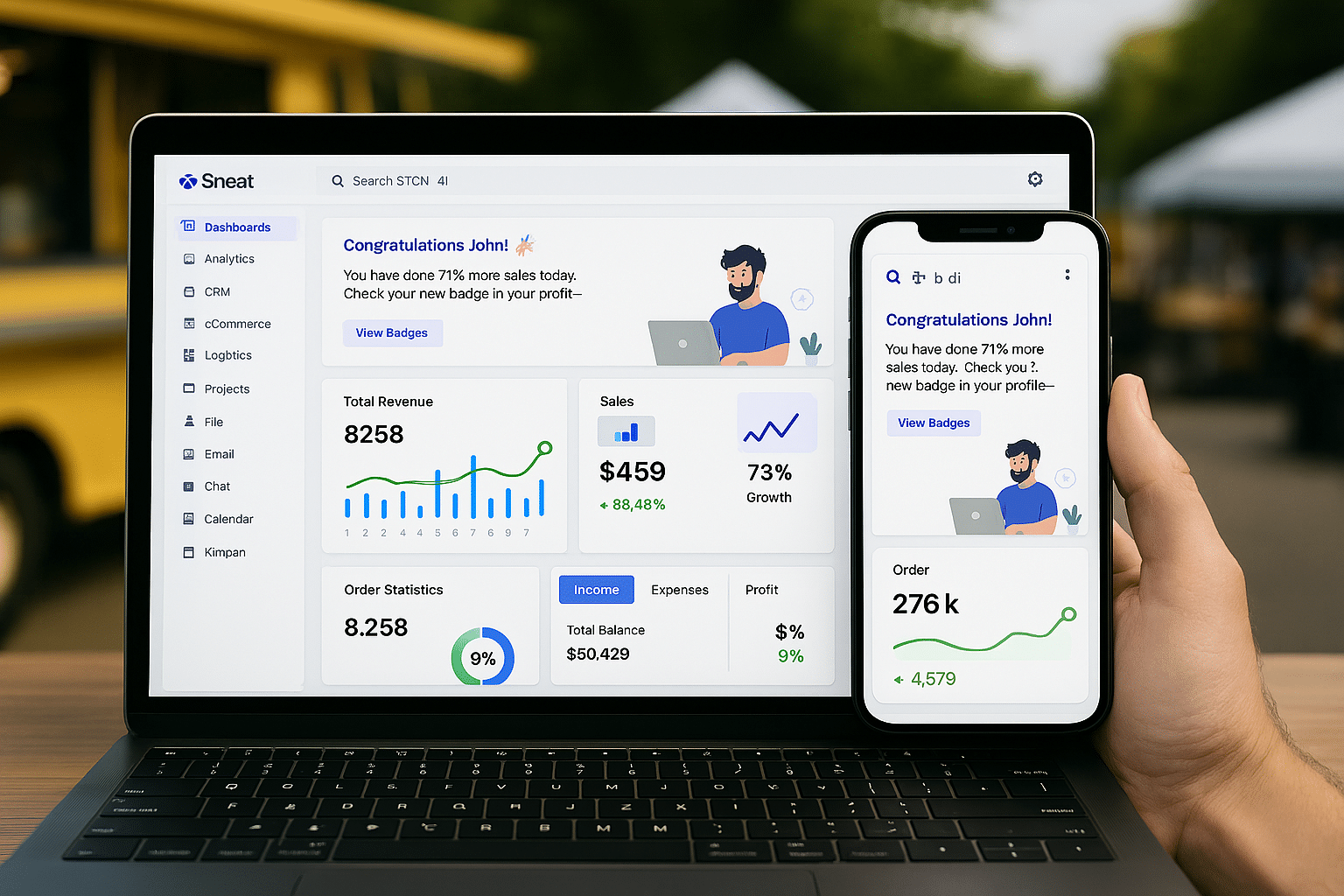
You’re not always at your computer. Maybe you’re traveling, checking in at a store, or grabbing lunch.This means designing it to fit smaller screens without losing clarity. Charts should resize smoothly. Buttons need to be tap-friendly, not tiny.
A great dashboard should be fully functional on mobile devices so you can access real-time data on your smartphone or tablet. This ensures that you’re always connected to your business, no matter where you are. In fact, for professionals who travel frequently and rely on seamless connectivity, pairing mobile dashboards with solutions like esim prepaid plans can make it even easier to stay updated without worrying about traditional SIM cards. Plus, mobile-optimized dashboards should keep things simple, with easy-to-tap buttons and readable charts. For those traveling within the U.S., the Cybernews website highlights some of the best eSIM deals for the United States, helping users find flexible prepaid options that support reliable mobile access without the hassle of physical SIM cards.
Personalized Layouts

Every job has different priorities. A delivery driver cares about routes, but a finance manager wants to see expenses. A performance dashboard should let each person shape it to fit their role, so it feels like it was made just for them.
This could mean choosing which numbers show up first, rearranging charts, or even picking colors that make sense to them. It’s about giving control.
Some tools let users save their setups so they don’t have to redo them every time. Personalized layouts make your performance dashboard welcoming, encouraging everyone to use it daily because it feels right for their work.
Trend Tracking

Knowing what’s happening today is awesome, but seeing how things change over time is even better. A performance dashboard with trend tracking shows you data from the past so you can spot patterns and get ready for what’s next.
This feature pulls in historical data—maybe from last week, last month, or even last year—and lets you compare it to now. You can also add targets, like aiming for a certain number of sales.
Trend tracking turns your performance dashboard into a crystal ball, giving you insights that make planning easier and smarter, whether it’s for a big sale or a new hire.
Send Alerts
Problems don’t send you a polite invitation—they show up unannounced. A performance dashboard with smart alerts watches your data for you, catching issues before they spiral. It’s like having a lookout who never sleeps.
You set the rules for what triggers an alert. Maybe it’s when inventory drops too low or customer complaints hit a certain number. Alerts can pop up on your phone, email, or the dashboard itself.
Smart alerts make your performance dashboard proactive, saving you from headaches and keeping your business running smoothly.
In the demo above, we used the Notification component from FlyonUI, an open-source Tailwind component library. You should also give it a try.
How to Build Your Dashboard
Ready to create a performance dashboard? It’s not as tough as it sounds. Here’s a simple plan to get started.
First, decide what you want to track. Sales, Customer happiness, or Team tasks.
Think about who’s using it. your team, your boss, or just you. Instead of building from nothing, consider a dashboard template. These admin templates connect to your systems or backend API, and they are ready to use.
Start with a few numbers and test it out. Ask your team: Does it make their day easier? Tweak it based on what they say. A template gives you a head start, so you’re customizing, not coding.
If you’re looking for a performance dashboard, then try out our latest Sneat Bootstrap 5 Admin Dashboard template.
Sneat Bootstrap 5 Admin Dashboard Template

Sneat Bootstrap 5 HTML Admin Template – is the latest Bootstrap 5 HTML Admin Template. It is one of the most developer-friendly & highly customizable Bootstrap templates. Besides, the highest industry standards are considered to bring you the best bootstrap admin template that is not just fast and easy to use, but highly scalable.
In addition, it is incredibly versatile and very suitable for your project. Besides, this Bootstrap admin Template also allows you to build any type of web app with ease. For instance, you can create: SaaS platforms, Project management apps, E-commerce backends, CRM systems, Analytics apps, Banking apps, etc.
Furthermore, you can also use this innovative admin panel template to create eye-catching, high-quality, and high-performing Web Applications. Besides, your apps will be completely responsive, ensuring they look stunning and function flawlessly on desktops, tablets, and mobile devices.
Features:
- Based on Bootstrap 5.3.2
- Vertical and Horizontal layouts
- Default, Bordered, and Semi-dark themes
- Light & Dark modes support
- Internationalization/i18n & RTL Ready
- Language-Driven LTR and RTL Adaptation
- Input group page, speech-to-text functionality
- Layout Generator
- Theme Config: Customize our template without a sweat
- 3 Dashboard
- 2 Chart libraries
- SASS Powered and many more.
Wrapping Up
A performance dashboard is your key to better decisions. It makes data clear, saves you time, and points you in the right direction. With custom KPIs, live updates, and clear visuals, you’re always in control. Interactive tools, mobile access, and personal layouts make it yours. Trend tracking and smart alerts keep you ahead.
Don’t start from scratch. A Bootstrap Templates give you all these features, ready to tweak for your business. Integrate your backend API, customize it, and watch it work. Your performance dashboard will become your go-to tool faster than you think.
Ready to make one? Explore our templates to kick things off, as they’re built to simplify the process. What’s one number you’d track first? Drop it in the comments, we’d love to hear your ideas!

