


In today’s data-driven world, web scraping has become an essential technique for extracting valuable information from websites. JavaScript, being one of the most popular programming languages, offers a variety of powerful libraries that simplify and automate the web scraping process. Whether you’re dealing with static pages or dynamic, JavaScript-rendered content, the JavaScript web scraping library provides flexible and efficient solutions tailored to different needs.
Table of contents
What Is JavaScript Web Scrapping Library?
A JavaScript Web Scraping Library is a software tool or collection of functions written in JavaScript (or compatible with JavaScript environments like Node.js) that helps developers automate the process of extracting data from websites. These libraries simplify tasks such as sending HTTP requests, parsing HTML content, navigating the Document Object Model (DOM), and handling dynamic content rendered by JavaScript on web pages.
They allow developers to programmatically retrieve information, like product details, prices, articles, or any publicly available data from websites for purposes such as data analysis, research, price comparison, or automation.
Some JavaScript web scraping libraries focus on fetching and parsing static HTML, while others include browser automation capabilities to handle complex, JavaScript-driven pages. Examples include Axios and Cheerio for lightweight scraping, and Puppeteer or Playwright for full browser control. For projects that require scalable data extraction without managing browser infrastructure, a web scraping API can simplify the process by handling requests, proxies, and anti-bot challenges.
Benefits of Using JavaScript Web Scraping Library:
- Automates data extraction from websites efficiently.
- Handles both static and dynamic content, including JavaScript-rendered pages.
- Integrates easily with Node.js and other JavaScript environments.
- Supports asynchronous operations for faster scraping.
- Simplifies HTML parsing and DOM traversal with intuitive APIs.
- Enables browser automation for complex interactions (clicks, form submissions).
- Widely supported and maintained with large community resources.
- Facilitates data collection for analysis, research, and business intelligence. Partnering with a Java development company can help businesses effectively leverage these libraries by integrating scraping capabilities into larger software ecosystems, automating backend workflows, or combining Java and JavaScript technologies to build powerful, data-driven applications.
Best JavaScript Web Scraping Library To Use:
In this collection, we explore the Best 8 JavaScript Web Scraping Libraries that developers trust for their ease of use, performance, and advanced features. From lightweight HTTP clients and HTML parsers to full-fledged browser automation tools, these libraries cover a wide spectrum of scraping requirements to help you gather data effectively and reliably.For teams that need an alternative to building and maintaining JavaScript-based scraping workflows, Octoparse provides a data platform with ready-to-use templates for non-coders, along with API and CLI access for developers.
Puppeteer

Puppeteer is a Node.js library developed by Google that provides a high-level API to control headless Chrome or Chromium browsers over the DevTools Protocol. It’s widely used for automating browser tasks, including web scraping, rendering JavaScript-heavy pages, and testing web applications.
Key Features:
- Headless Browser Automation: Automate tasks in a headless Chrome or Chromium browser, simulating real user interactions.
- JavaScript Rendering: Execute JavaScript on pages, allowing for scraping of dynamic content.
- Network Interception: Intercept and modify network requests and responses.
- Element Interaction: Click buttons, fill forms, and navigate pages programmatically.
- Screenshots and PDFs: Capture screenshots or generate PDFs of pages.
- Multiple Browser Support: Supports both Chrome and Chromium browsers.
Pros:
- Comprehensive Browser Control: Offers fine-grained control over browser behavior, enabling complex interactions.
- JavaScript Support: Can handle pages that rely heavily on JavaScript for rendering content.
- Rich API: Provides a wide range of functions for various browser automation tasks.
- Active Development: Regularly updated with new features and improvements.
Cons:
- Resource Intensive: Running a full browser instance can consume significant system resources.
- Limited Browser Support: Officially supports only Chrome and Chromium; other browsers require additional setup.
- Learning Curve: May have a steeper learning curve for beginners compared to simpler libraries.
When to Use?
Puppeteer is ideal for scenarios where:
- You need to scrape content from JavaScript-heavy websites.
- Automated browser interactions are required, such as clicking buttons or filling forms.
- Rendering screenshots or PDFs of web pages is necessary.
- You need to simulate real user behavior for testing purposes.
Because running headless browsers like Puppeteer at scale demands continuous proxy rotation, CAPTCHA bypasses, and heavy server infrastructure, many development teams choose to partner with an enterprise-grade web scraping service provider to extract and deliver clean datasets without maintenance overhead.
How to Scrape a Web Page Using Puppeteer?
Here’s a basic example of using Puppeteer to scrape a webpage:
import puppeteer from 'puppeteer';
// Or import puppeteer from 'puppeteer-core';

// Launch the browser and open a new blank page
const browser = await puppeteer.launch();
const page = await browser.newPage();

// Navigate the page to a URL.
await page.goto('https://developer.chrome.com/');

// Set screen size.
await page.setViewport({width: 1080, height: 1024});

// Type into search box using accessible input name.
await page.locator('aria/Search').fill('automate beyond recorder');

// Wait and click on first result.
await page.locator('.devsite-result-item-link').click();

// Locate the full title with a unique string.
const textSelector = await page
  .locator('text/Customize and automate')
  .waitHandle();
const fullTitle = await textSelector?.evaluate(el => el.textContent);

// Print the full title.
console.log('The title of this blog post is "%s".', fullTitle);

await browser.close();
Selenium: Free JavaScript Web Scraping Library
Selenium is a widely used, open-source framework for automating web browsers. It provides a rich set of APIs to interact with web elements, making it suitable for tasks like web scraping, automated testing, and browser automation. Selenium WebDriver, the core component, allows for controlling browsers programmatically, supporting multiple languages, including JavaScript (Node.js), Python, Java, and C#.
Key Features:
- Cross-Browser Compatibility: Supports multiple browsers such as Chrome, Firefox, Safari, and Edge, enabling cross-browser testing and scraping.
- JavaScript Execution: Capable of executing JavaScript on web pages, allowing interaction with dynamic content and rendering.
- Element Interaction: Provides methods to locate and interact with web elements, including clicking buttons, filling forms, and navigating pages.
- Headless Mode Support: Allows running browsers in headless mode (without a graphical user interface), which is useful for automated scraping tasks.
- WebDriver Grid: Enables parallel execution of tests across multiple machines and browsers, facilitating scalable scraping operations.
Pros:
- Versatility: Suitable for both web scraping and automated testing, making it a versatile tool in a developer’s toolkit.
- Multi-Language Support: Offers bindings for various programming languages, allowing developers to use their preferred language.
- Active Community: Being open-source with a large user base, it has extensive community support and resources.
- Comprehensive Documentation: Provides comprehensive documentation and tutorials, aiding developers in getting started and troubleshooting.
Cons:
- Performance Overhead: Running full browser instances can be resource-intensive and slower compared to other scraping tools.
- Complex Setup: Requires installation of browser drivers and proper configuration, which can be cumbersome for beginners.
- Limited Browser Support: Officially supports only certain browsers; using others may require additional setup or may not be supported.
When to Use?
Selenium is best suited for scraping projects that require full browser automation, especially if JavaScript rendering or user interaction simulation is needed. Besides, it’s also useful for testing purposes due to its robust cross-browser capabilities.
How to Scrape a Web Page Using Selenium?
Here’s a basic example of using Selenium in Node.js to scrape a webpage:
const {Builder, Browser} = require('selenium-webdriver');

(async function helloSelenium() {
  let driver = await new Builder().forBrowser(Browser.CHROME).build();

  await driver.get('https://selenium.dev');

  await driver.quit();
})();
WebMagic: Free JavaScript Web Scraping Library
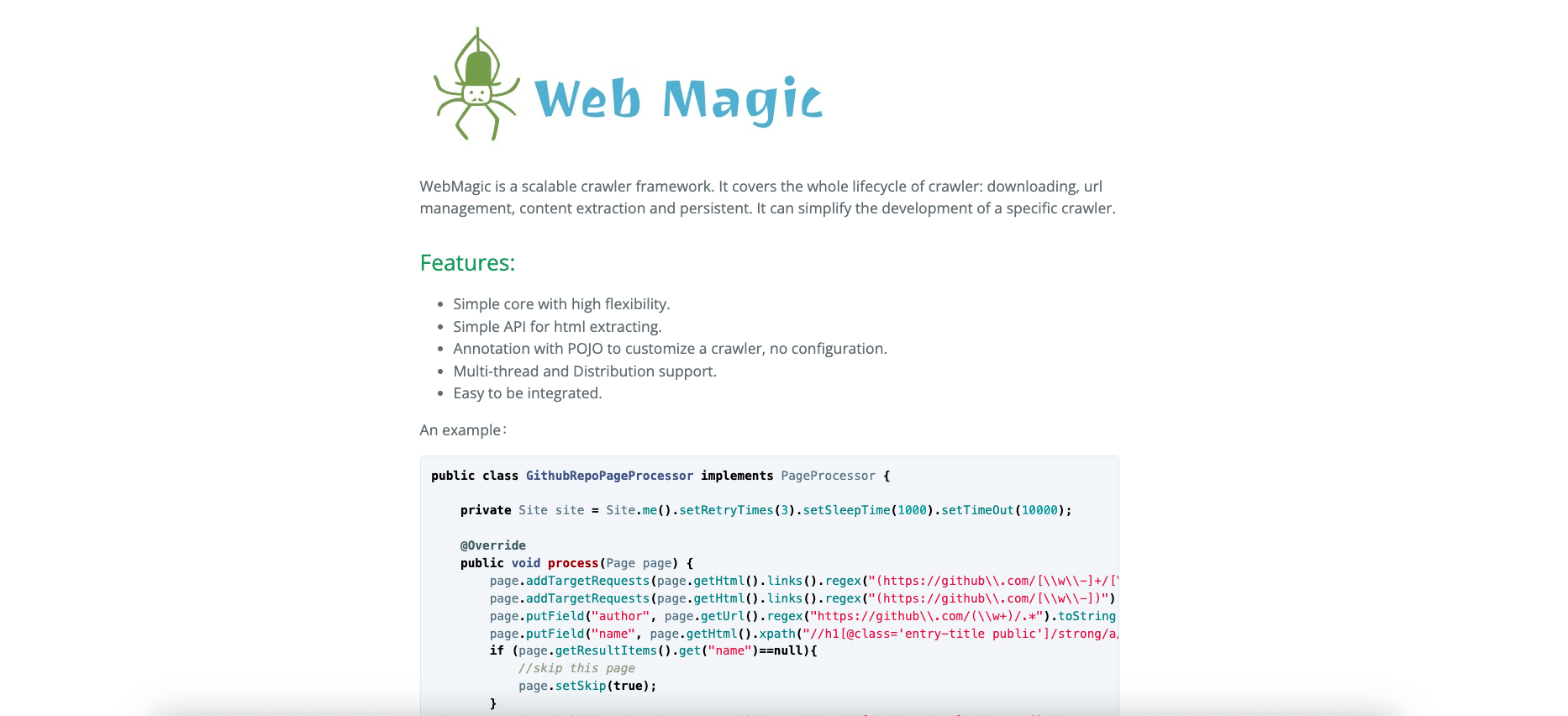
WebMagic is an open-source Java web scraping framework designed for easy and scalable crawling and data extraction. Inspired by Python’s Scrapy, it offers a modular architecture, POJO-based configuration, and strong support for multi-threaded and distributed scraping, making it ideal for complex Java scraping projects.
Key Features:
- Simple core with modular architecture inspired by Scrapy.
- HTML extraction API for easy parsing and data extraction.
- POJO annotations to define data models with minimal configuration.
- Multi-threading and distributed crawling support.
- Easy integration into existing Java applications.
Pros:
- Highly scalable for small to large scraping projects.
- Customizable extraction logic using POJOs and annotations.
- Robust error handling with retry mechanisms and configurable timeouts.
Cons:
- No built-in JavaScript rendering — limited for dynamic content.
- Lacks native anti-bot features like CAPTCHA handling or IP rotation.
- Steeper learning curve due to Java concurrency and scraping concepts.
When to Use:
Use WebMagic when you need a scalable, flexible, and customizable Java-based scraping framework, especially for structured data extraction from static websites or APIs.
How to Scrape a Web Page Using WebMagic?
import us.codecraft.webmagic.Page;
import us.codecraft.webmagic.Site;
import us.codecraft.webmagic.Spider;
import us.codecraft.webmagic.processor.PageProcessor;

public class ExampleCrawler implements PageProcessor {
    private Site site = Site.me().setRetryTimes(3).setSleepTime(1000);

    @Override
    public void process(Page page) {
        page.putField("title", page.getHtml().xpath("//title/text()").toString());
        page.addTargetRequests(page.getHtml().links().all());
    }

    @Override
    public Site getSite() {
        return site;
    }

    public static void main(String[] args) {
        Spider.create(new ExampleCrawler())
              .addUrl("https://example.com")
              .thread(5)
              .run();
    }
}
Axios
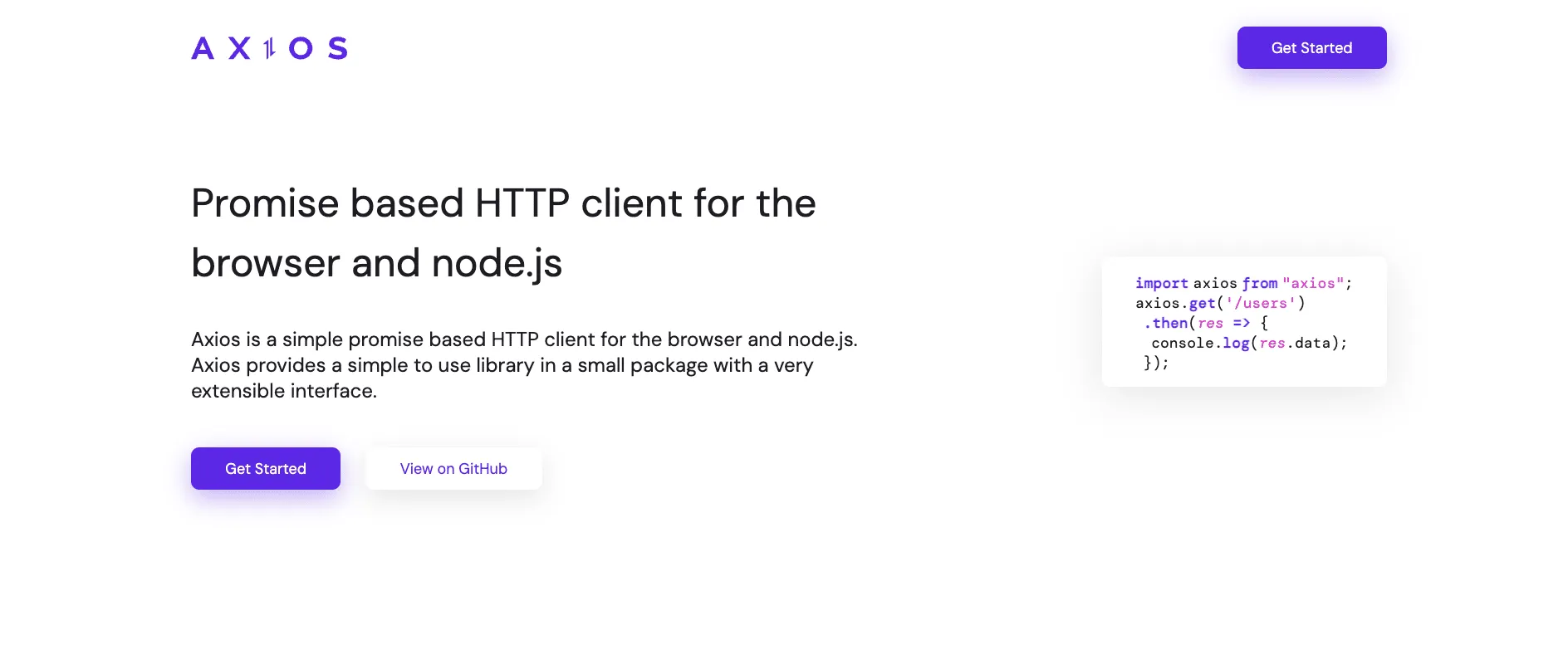
Axios is a popular promise-based HTTP client for JavaScript, designed to work both in the browser and in Node.js environments. Additionally, it simplifies making HTTP requests to fetch or send data, supporting features like request cancellation, interceptors, and automatic JSON data transformation.
Key Features:
- Supports HTTP requests using promises (GET, POST, PUT, DELETE, etc.).
- Works in both browser and Node.js environments.
- Automatic JSON data transformation for requests and responses.
- Supports request and response interceptors for modifying requests globally.
- Ability to cancel requests using cancellation tokens.
- Supports timeout and error handling.
- Supports automatic XSRF protection in browsers.
Pros:
- Simple and intuitive API for making HTTP requests.
- Works seamlessly across client and server environments.
- Built-in support for JSON data and automatic transformation.
- Easy to set up request/response interceptors for logging or modifying requests.
- Widely used with extensive community support and documentation.
Cons:
- Does not provide built-in web scraping-specific features (e.g., DOM parsing).
- Cannot execute or render JavaScript on web pages.
- Requires additional libraries (like Cheerio) for HTML parsing and data extraction.
When to Use:
Use Axios when you need to perform HTTP requests in JavaScript or Node.js environments to fetch data from APIs or static websites, especially when the target pages don’t require JavaScript rendering. Furthermore, it’s also ideal for straightforward data fetching scenarios or integrating with REST APIs.
How to Scrape a Web Page Using Axios?
const axios = require('axios');
const cheerio = require('cheerio');

(async () => {
  try {
    const { data } = await axios.get('https://example.com');
    const $ = cheerio.load(data);

    const pageTitle = $('title').text();
    console.log('Page Title:', pageTitle);

    // Extract other data as needed
  } catch (error) {
    console.error('Error fetching the page:', error);
  }
})();
Playwright
Playwright is a powerful Node.js library developed by Microsoft for browser automation. It enables reliable end-to-end testing and web scraping by controlling Chromium, Firefox, and WebKit browsers with a single API. Playwright supports multi-browser, cross-platform automation with full support for JavaScript rendering and advanced browser features.For scraping projects that require proxy authentication, IP rotation, or location-specific requests, this guide explains using a proxy with Playwright in Python and Node.js.
Key Features:
- Cross-browser support: Chromium, Firefox, and WebKit with a unified API.
- Headless and headful browser automation.
- Auto-waits for elements and actions, reducing flakiness.
- Powerful network interception and request mocking.
- Supports multi-page and multi-tab scenarios.
- Full support for JavaScript execution and dynamic content scraping.
- Screenshot, PDF generation, and video recording capabilities.
- Runs on Windows, macOS, and Linux platforms.
Pros:
- Supports multiple browsers beyond Chromium, including WebKit and Firefox.
- Highly reliable with built-in waiting mechanisms.
- Extensive control over browser contexts, pages, and network events
- Excellent for scraping JavaScript-heavy websites.
- Active development and good documentation.
Cons:
- Larger installation size due to multiple browser binaries.
- More resource-intensive than lightweight HTTP clients.
- It can have a steeper learning curve for beginners.
When to Use?
Playwright is an ideal JavaScript web scraping library for scraping websites that rely heavily on JavaScript, require complex user interactions, or need cross-browser compatibility. It’s great for automated testing and scraping dynamic or single-page applications (SPAs).
How to Scrape a Web Page Using Playwright:
const { chromium } = require('playwright');

(async () => {
  const browser = await chromium.launch();
  const page = await browser.newPage();
  await page.goto('https://example.com');

  const pageTitle = await page.title();
  console.log('Page Title:', pageTitle);

  await browser.close();
})();
Check out the best Free Bootstrap Template.

Cheerio: Free JavaScript Web Scrapping Library
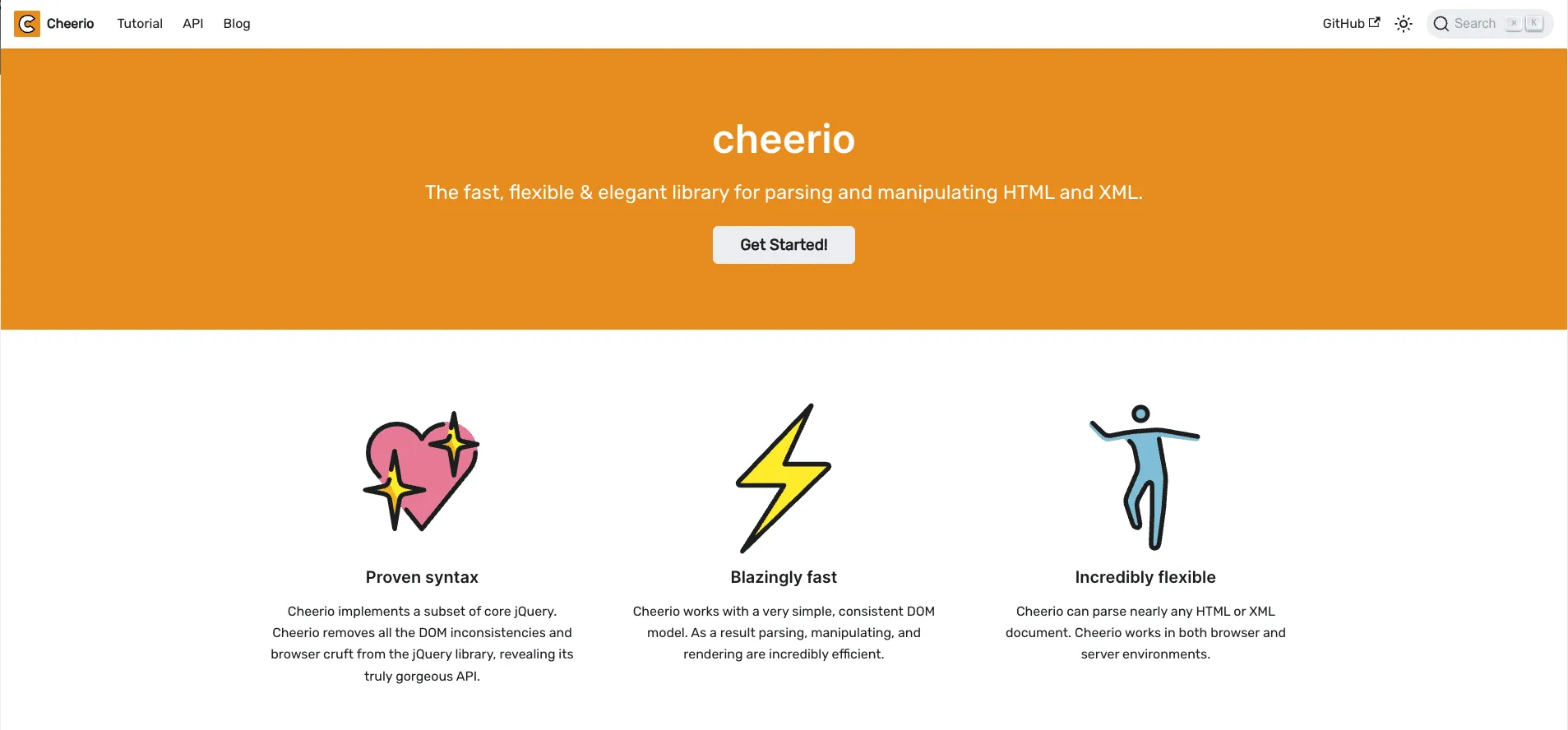
Cheerio is a fast, flexible, and lean implementation of core jQuery designed specifically for server-side HTML parsing and manipulation. It allows you to load HTML and use a jQuery-like syntax to traverse and extract information from the DOM in Node.js environments.
Key Features:
- Implements a subset of the jQuery core API for server-side use.
- Parses and manipulates HTML/XML efficiently without a browser.
- Lightweight and fast, ideal for parsing static HTML.
- Supports CSS selectors for easy element querying.
- Works easily with HTTP clients like Axios for scraping workflows.
- No browser rendering: pure DOM parsing.
Pros:
- Simple and familiar jQuery-like syntax.
- Lightweight and fast for parsing static HTML content.
- Easy to integrate with HTTP request libraries.
- Great for extracting data from static HTML pages.
- Well-documented and widely used in the Node.js ecosystem.
Cons:
- Cannot execute or render JavaScript on pages.
- Limited to static HTML; not suitable for scraping dynamic content.
- Requires additional tools for HTTP requests and JavaScript rendering.
When to Use?
Use Cheerio when you need to parse and extract data from static HTML content efficiently, especially after fetching the page with libraries like Axios. Additionally, it’s ideal for projects where JavaScript execution isn’t required to get the desired content.
How to Scrape a Web Page Using Cheerio?
const axios = require('axios');
const cheerio = require('cheerio');

(async () => {
  try {
    const { data } = await axios.get('https://example.com');
    const $ = cheerio.load(data);

    const pageTitle = $('title').text();
    console.log('Page Title:', pageTitle);

    // Extract other data using jQuery-like selectors
  } catch (error) {
    console.error('Error fetching the page:', error);
  }
})();
Apache Nutch: Free JavaScript Web Scraping Library
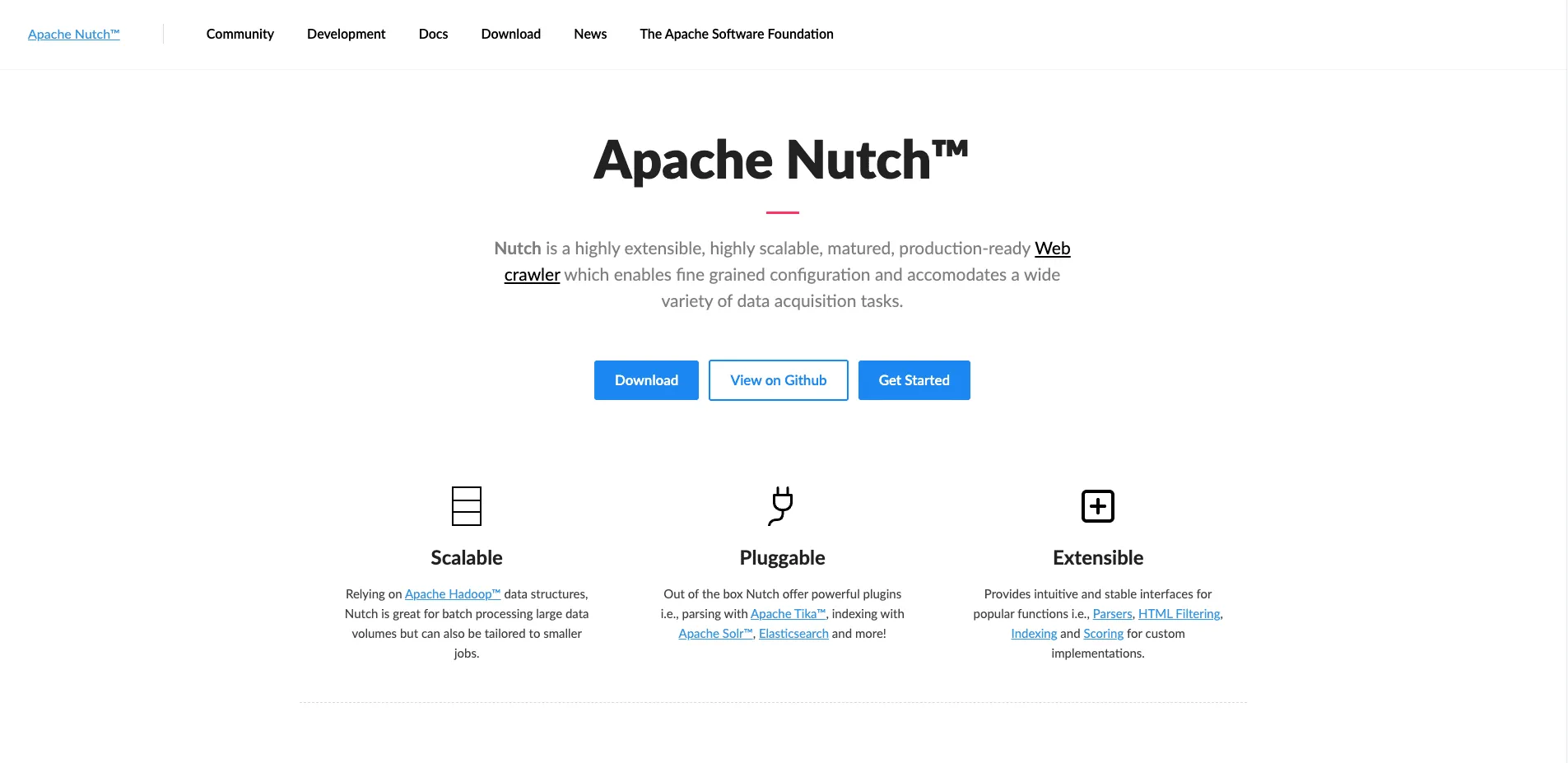
Apache Nutch is an open-source, highly extensible, and scalable web crawler software project built on top of Apache Hadoop. It is designed for large-scale web crawling, data mining, and indexing.
Furthermore, Nutch supports extensive customization through plugins and is used for building search engines and large-scale web data extraction.
Key Features:
- Scalable distributed crawling using Hadoop and MapReduce.
- Modular architecture with a rich plugin ecosystem.
- Supports parsing, indexing, and link-graph analysis.
- Politeness policies and URL filtering to respect robots.txt.
- Integrates with Apache Solr and Elasticsearch for indexing.
- Robust handling of large volumes of data.
Pros:
- Highly scalable for enterprise-level web crawling.
- Flexible plugin system for customization.
- Supports distributed crawling and processing.
- Integrates well with popular search platforms.
- Mature project with active community support.
Cons:
- Requires setup of Hadoop ecosystem (complex infrastructure).
- Steep learning curve for configuration and deployment.
- Overkill for small or simple scraping tasks.
- Limited direct support for JavaScript rendering.
When to Use?
Use Apache Nutch for large-scale, distributed web crawling projects requiring robust scalability, custom crawling logic, and integration with search platforms. Additionally, it’s also ideal for enterprise search engines or massive data extraction across many sites.
How to Scrape a Web Page Using Apache Nutch?
Apache Nutch is primarily configured and run as a command-line or distributed job rather than a simple code snippet. However, a basic crawl can be initiated as follows (assuming Nutch is properly installed and configured):
# Generate crawl database from seed URLs
bin/nutch inject urls

# Generate fetch list
bin/nutch generate crawl/crawldb crawl/segments

# Fetch the pages
bin/nutch fetch crawl/segments/segment_name

# Parse the fetched content
bin/nutch parse crawl/segments/segment_name

# Update crawl database
bin/nutch updatedb crawl/crawldb crawl/segments/segment_name

# Index the data (optional, e.g., with Solr)
bin/nutch index crawl/crawldb -linkdb crawl/linkdb crawl/segments/segment_name
Jaunt – Free JavaScript Web Scraping Library

Jaunt is a lightweight Java library that provides a headless browser for web scraping, automation, and JSON querying. It enables developers to parse HTML/XML documents, interact with forms, and control HTTP requests, all without requiring a full browser engine. Jaunt is designed for efficiency and ease of use, especially suited for scraping static content in Java environments.
Key Features:
- Headless browser for web scraping and automation.
- Full DOM access for parsing HTML, XHTML, and XML.
- JSON querying and manipulation support.
- Form handling and submission capabilities.
- HTTP request and response control, including headers and cookies.
- File operations like downloading and saving web pages.
- Proxy support for HTTP/HTTPS.
- Automatic pagination discovery.
Pros:
- Lightweight and fast, ideal for quick scraping tasks.
- Fluent API simplifies DOM navigation and manipulation.
- No external dependencies; pure Java implementation.
- Free to use with an accessible license.
Cons:
- Does not execute JavaScript, limiting dynamic content scraping.
- Smaller community and fewer updates compared to alternatives.
- Development activity has slowed down in recent years.
When to Use?
Use Jaunt when you want a fast, lightweight Java-based scraper for static HTML or XML content where JavaScript rendering is not necessary.
How to Scrape a Web Page Using Jaunt?
import com.jaunt.*;

public class JauntExample {
    public static void main(String[] args) {
        try {
            UserAgent userAgent = new UserAgent(); // Create headless browser instance
            userAgent.visit("https://example.com"); // Navigate to the page
            System.out.println(userAgent.doc.innerHTML()); // Print HTML content
        } catch (JauntException e) {
            e.printStackTrace();
        }
    }
}
Conclusion:
Each of these web scraping libraries serves different needs and project scales:
- Puppeteer and Playwright are powerful browser automation tools ideal for scraping dynamic, JavaScript-heavy websites with realistic user interaction and multi-browser support.
- Selenium offers robust cross-browser automation, suitable for both scraping and automated testing, but may require more setup.
- Axios and Cheerio provide lightweight solutions for fetching and parsing static HTML, perfect for simple scraping tasks where JavaScript rendering isn’t necessary.
- WebMagic and Jaunt cater to Java developers, with WebMagic excelling in scalable, customizable crawling, and Jaunt offering a lightweight headless browser for quick static content scraping.
- Apache Nutch stands out for enterprise-grade, distributed web crawling, but it demands significant infrastructure and setup.
Choosing the right tool depends on your scraping requirements: scale, complexity of the target site (static vs dynamic), language preference, and resource availability. For dynamic content with rich interactivity, Puppeteer or Playwright is recommended. On the other hand, for straightforward HTML scraping, Axios with Cheerio or Jaunt is are efficient choice. For large-scale or enterprise crawling, WebMagic or Apache Nutch provides robust options.


